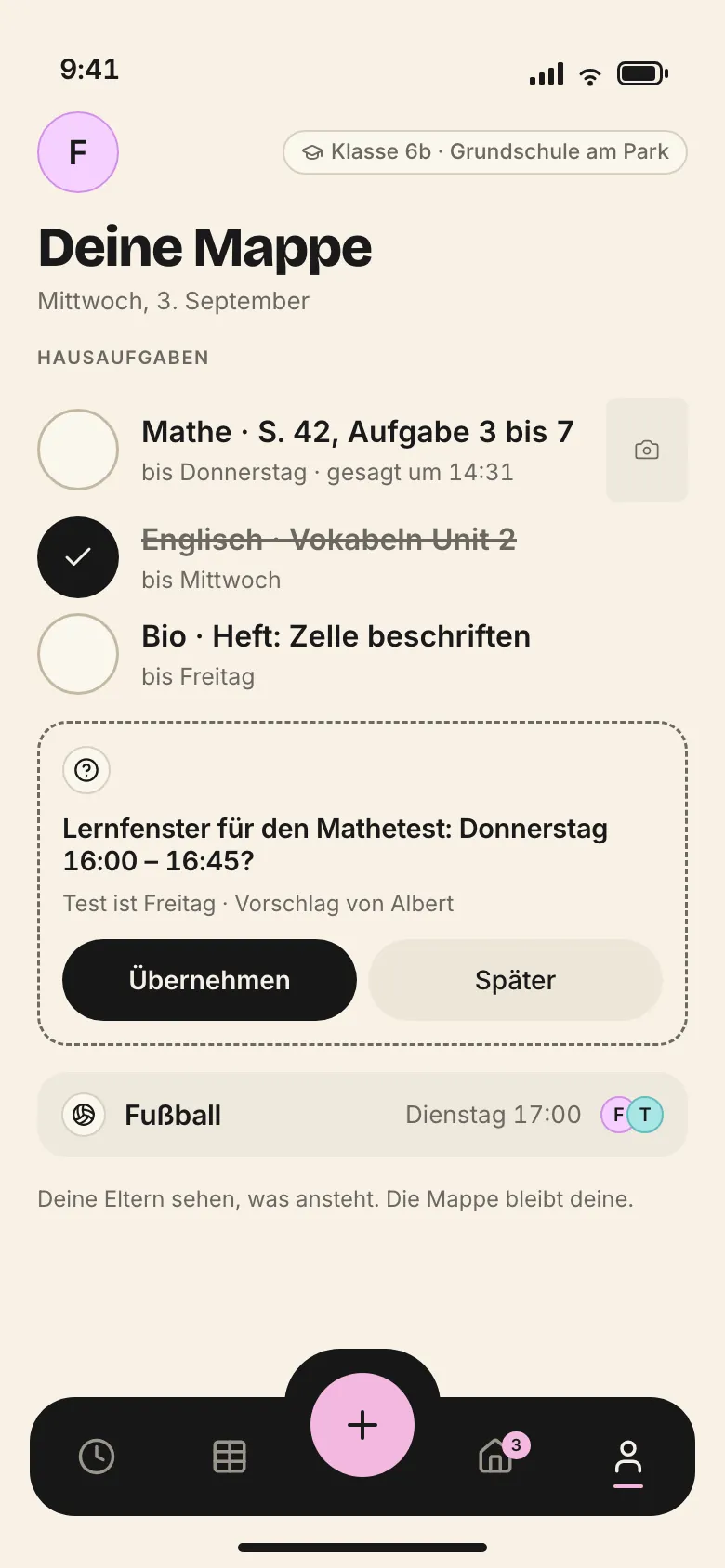
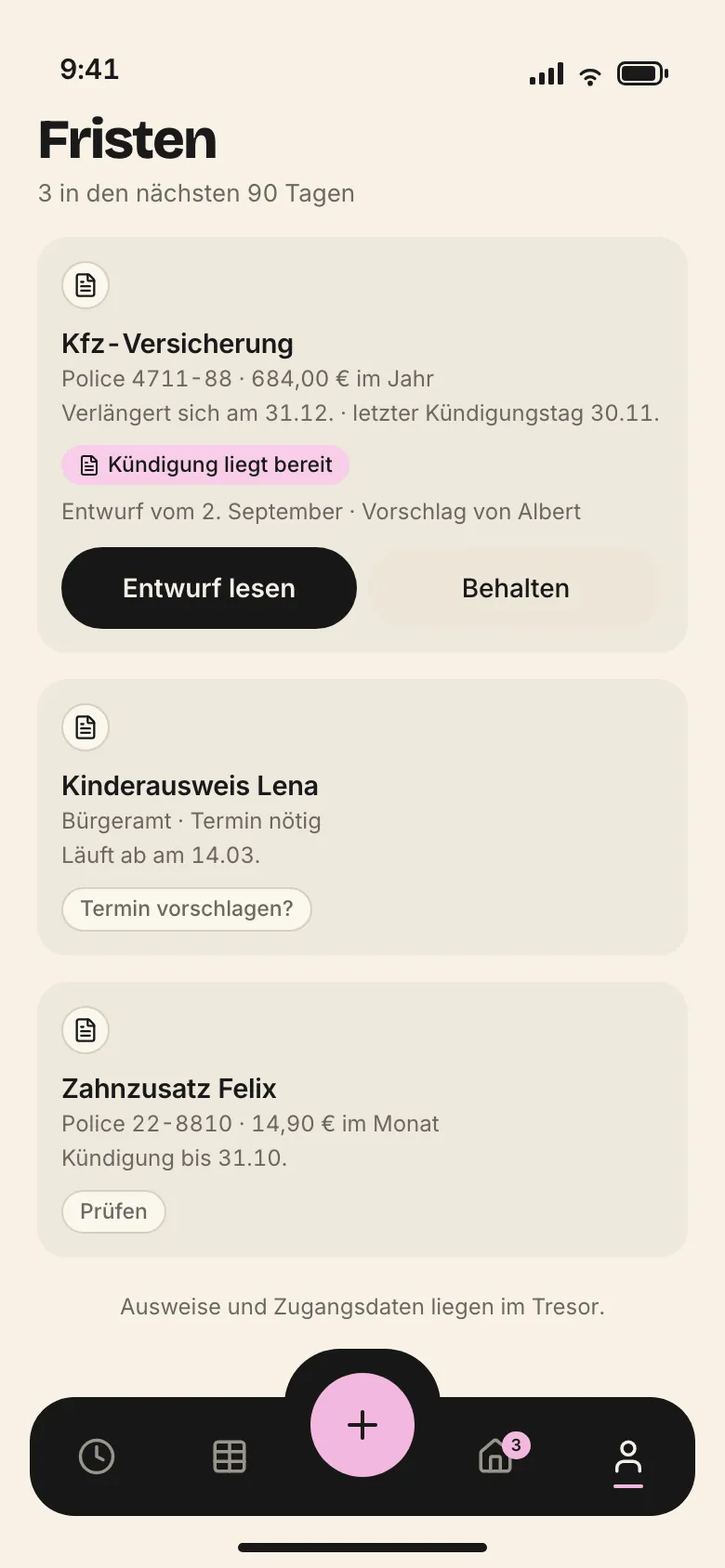
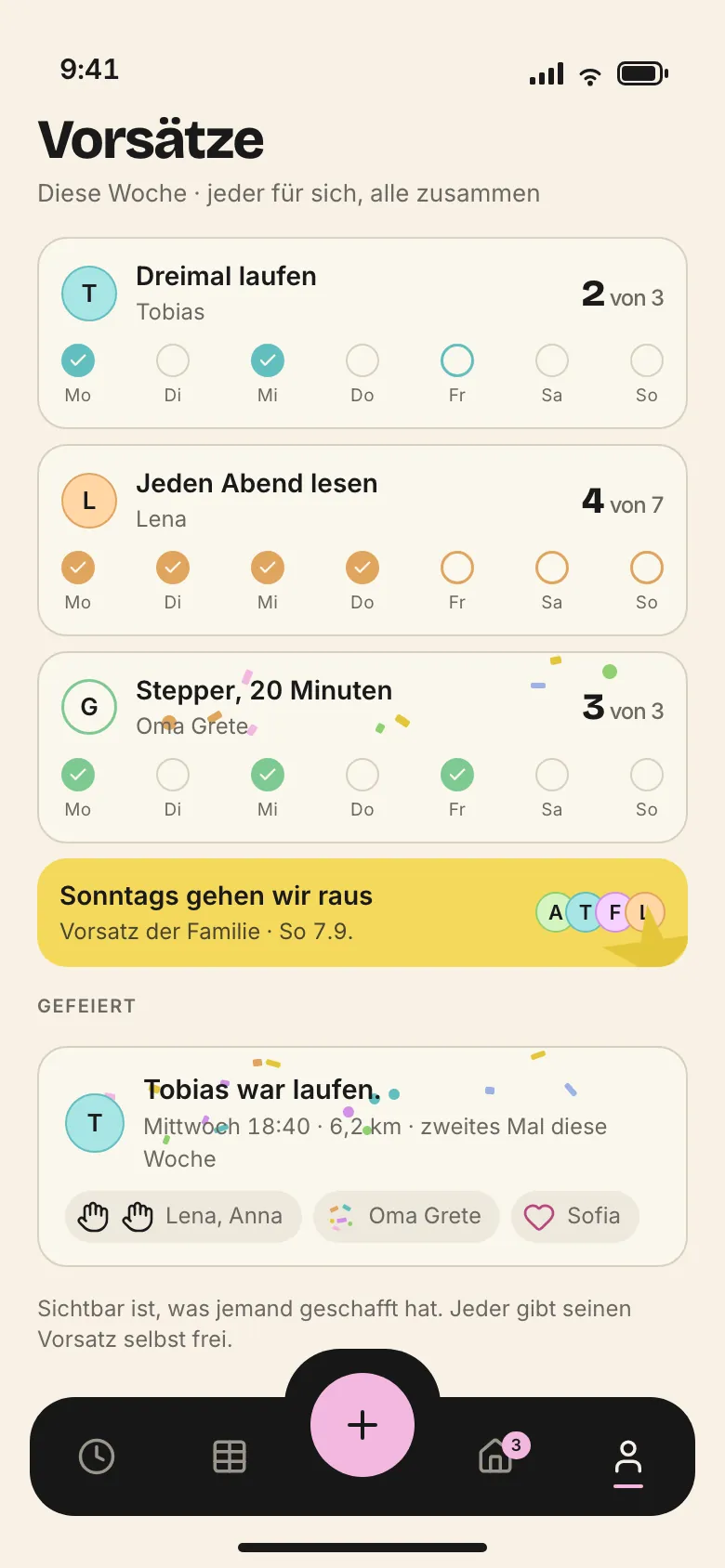
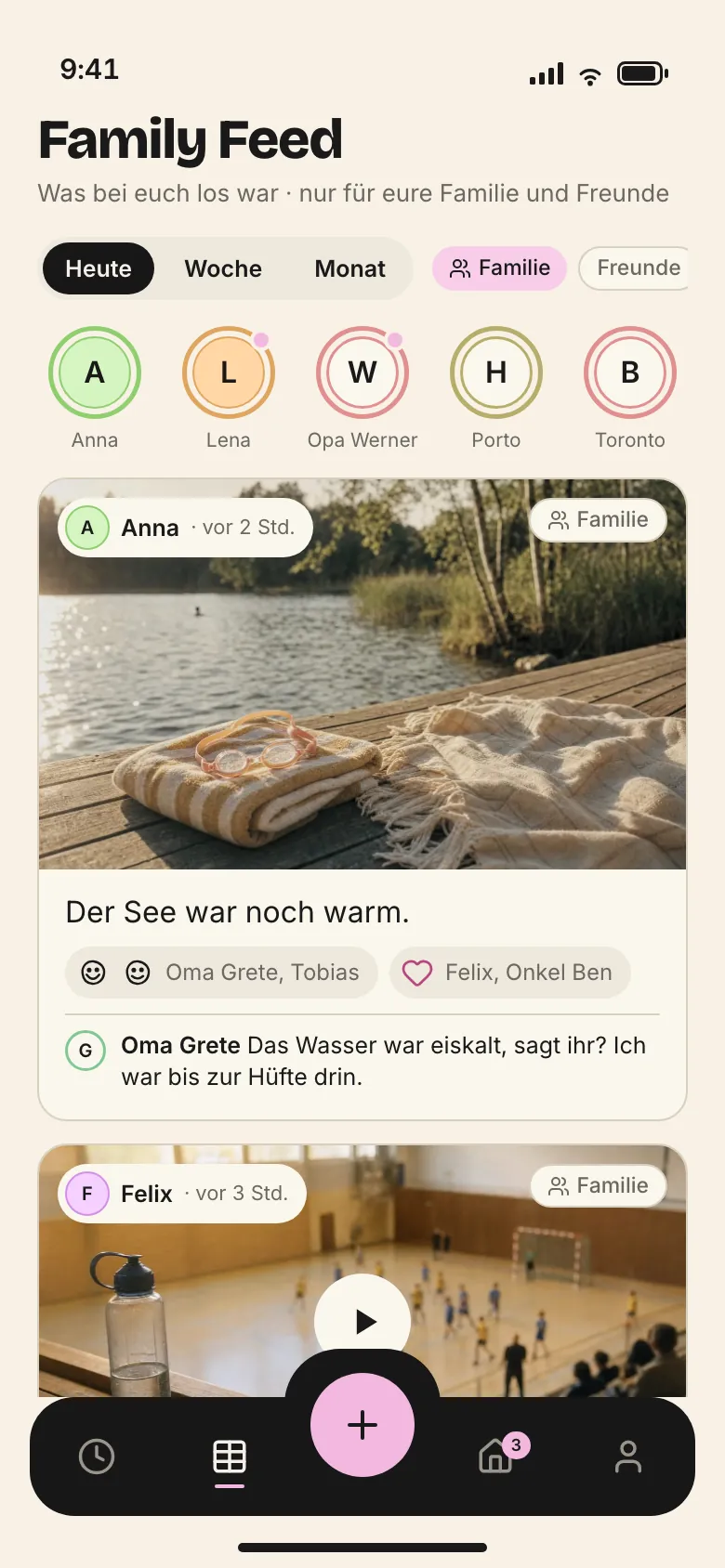
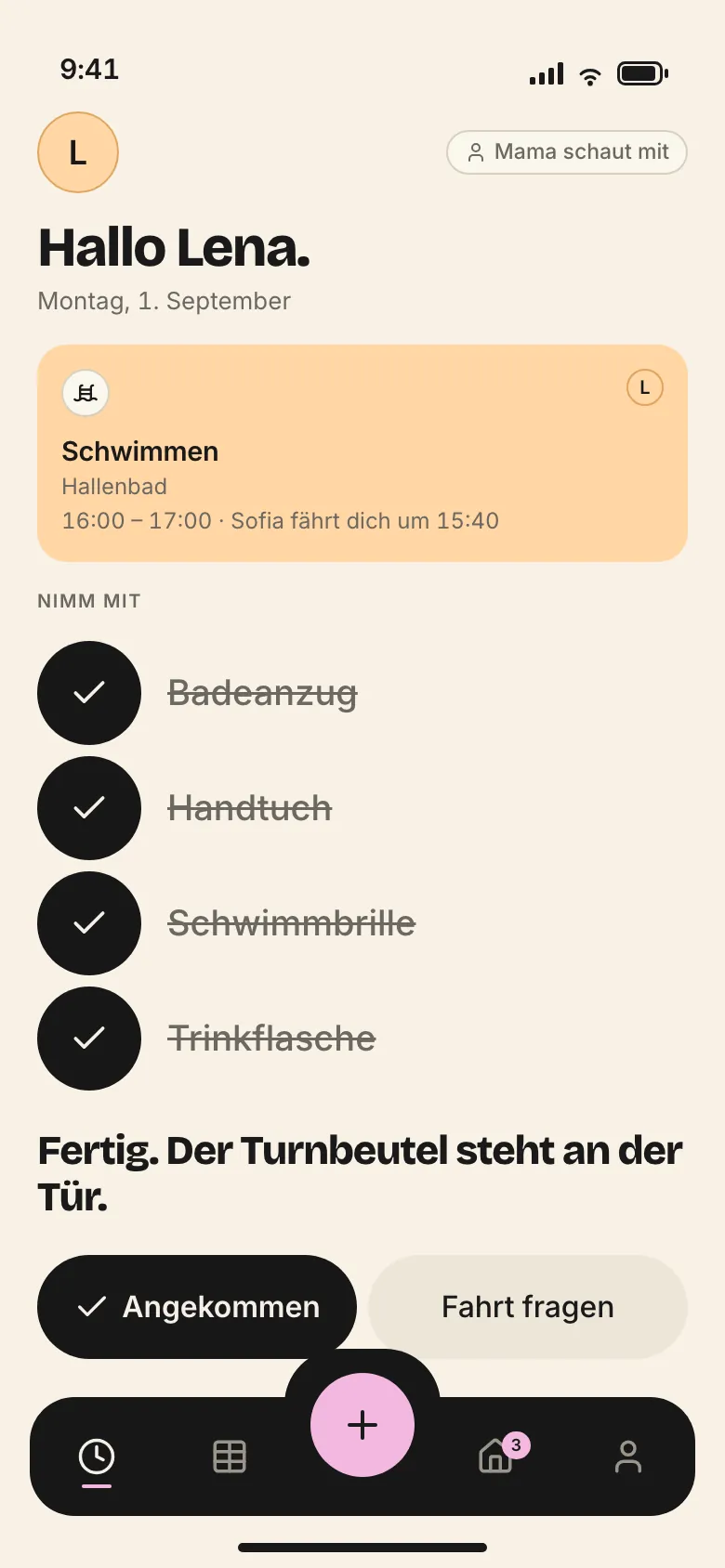
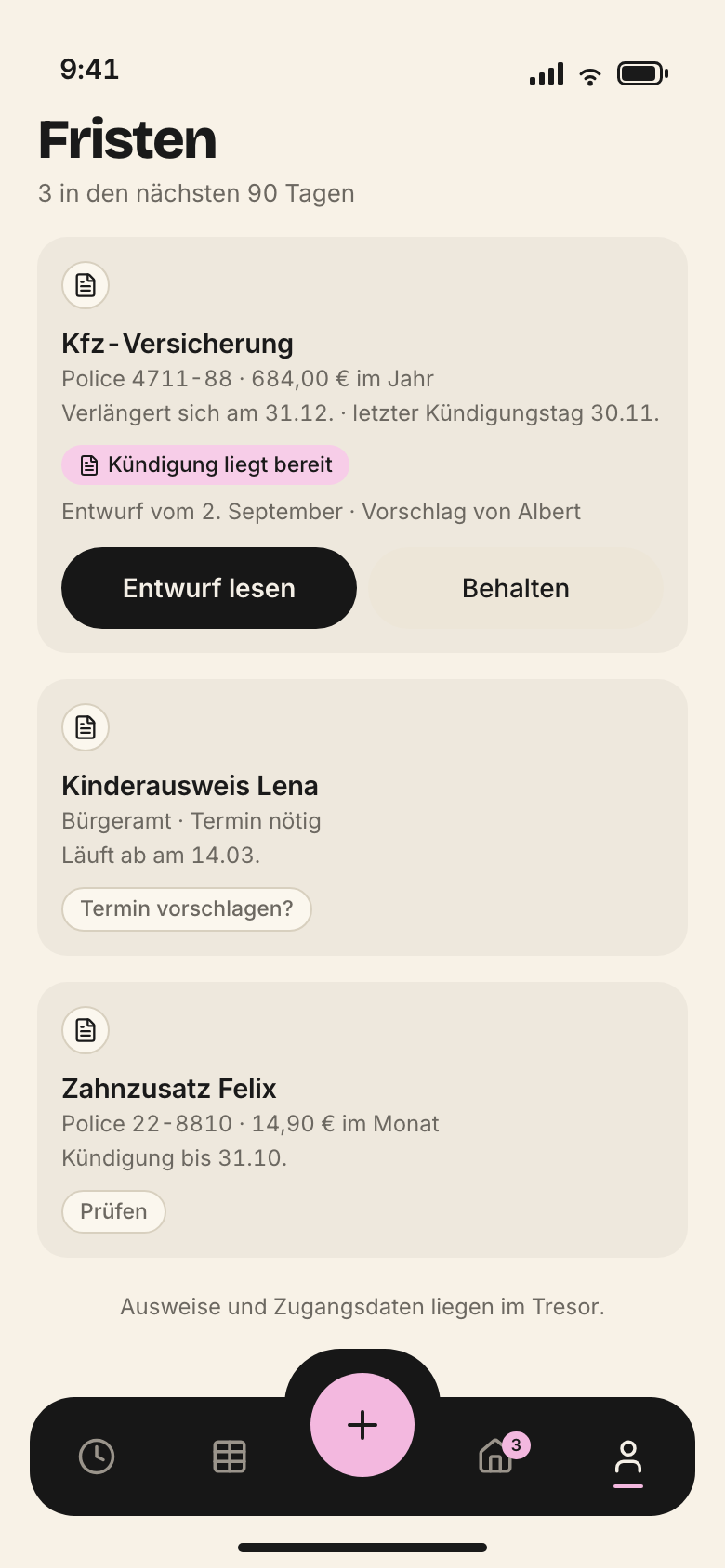
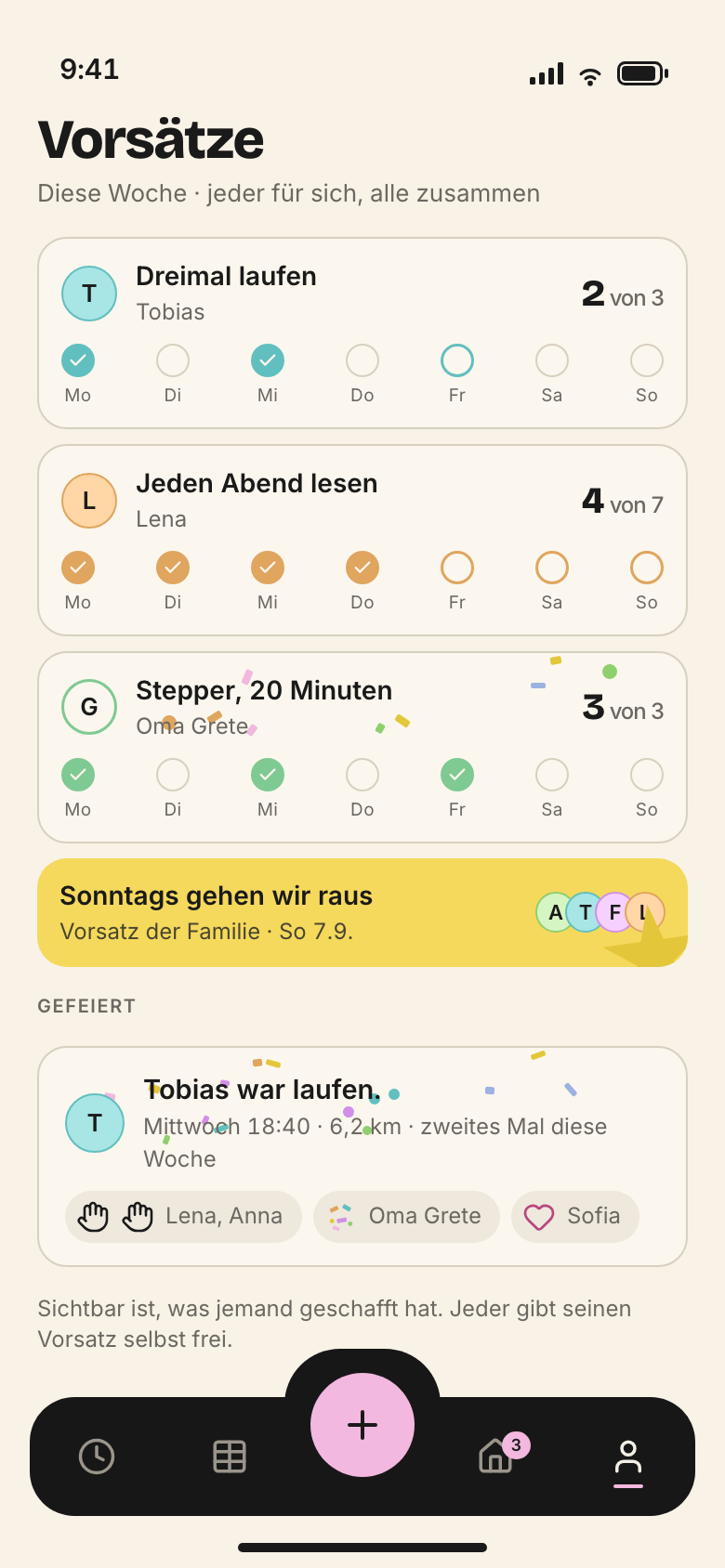
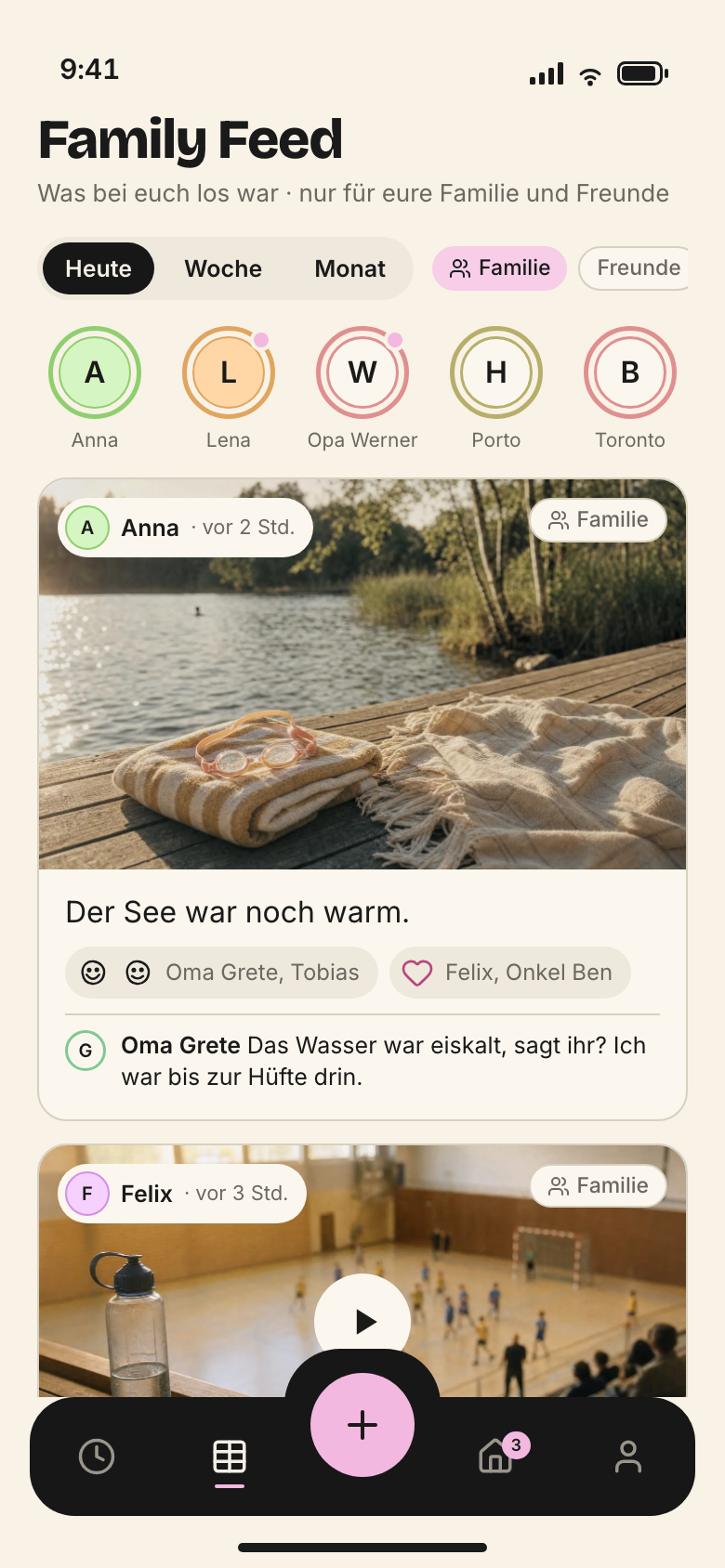
The everyday device region by region – Today, week as a list, week at a glance, child space – with measurements in points, the tab bar, target sizes, gestures and what the iPhone does not have.
The iPhone is the everyday device. It is used in the hallway, in the shop, in the car, one-handed and often in a hurry. So an iPhone screen asks one question: what is happening now? Everything else is one level deeper.
All reference and website screens are drawn for 390 × 844 pt (the smaller iPhone 14, 15 and 16, stored @2x as 780 × 1688 px). Other sizes only change the width of the content. Margin, bar, circles and target sizes stay the same.
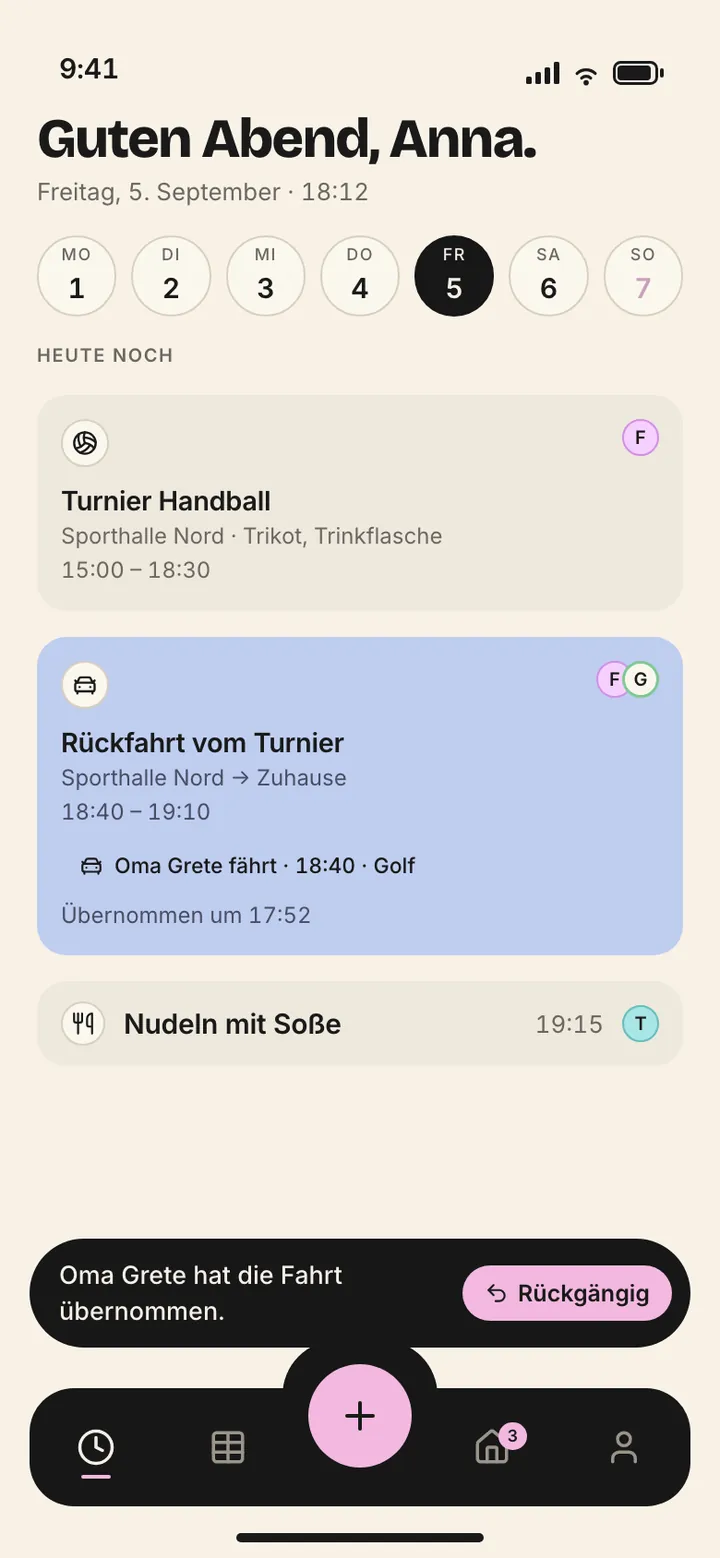
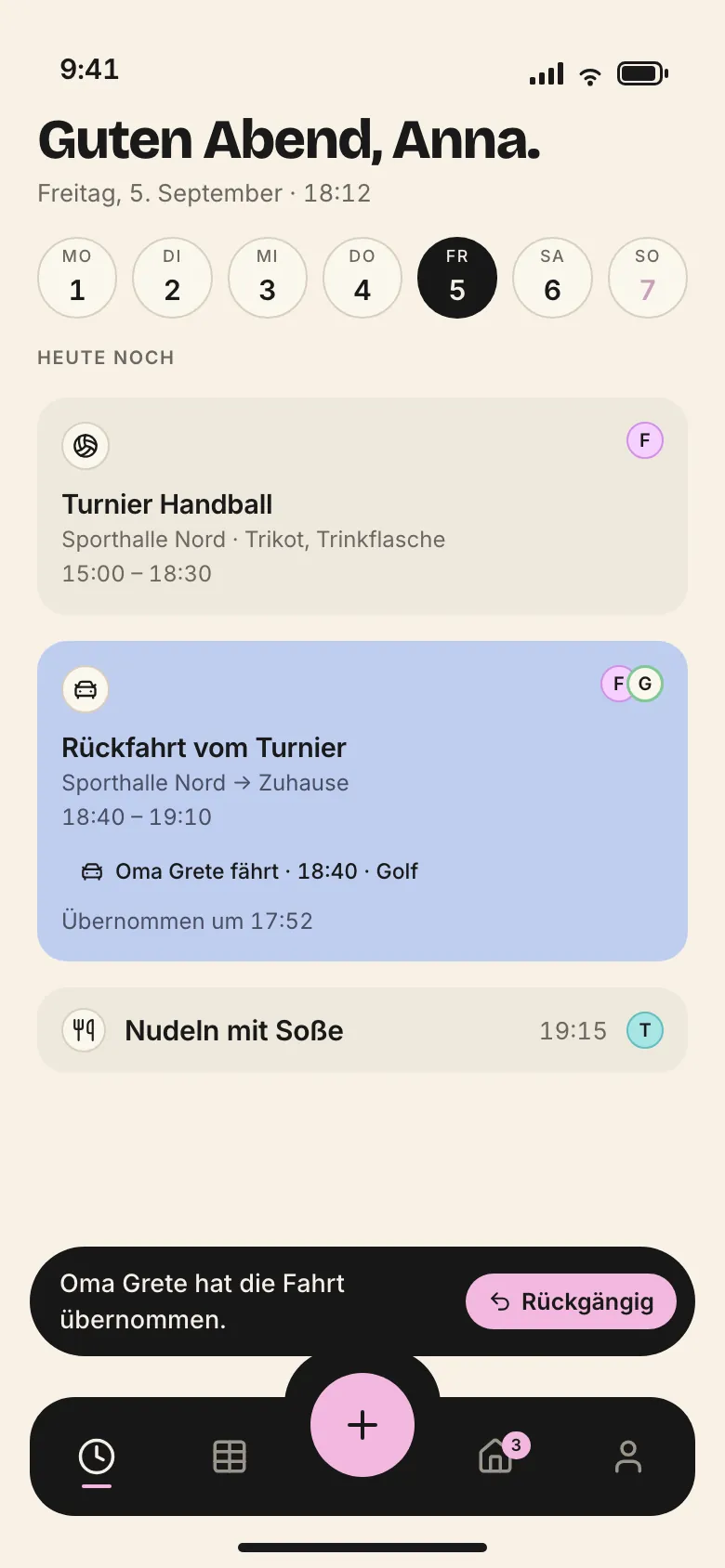
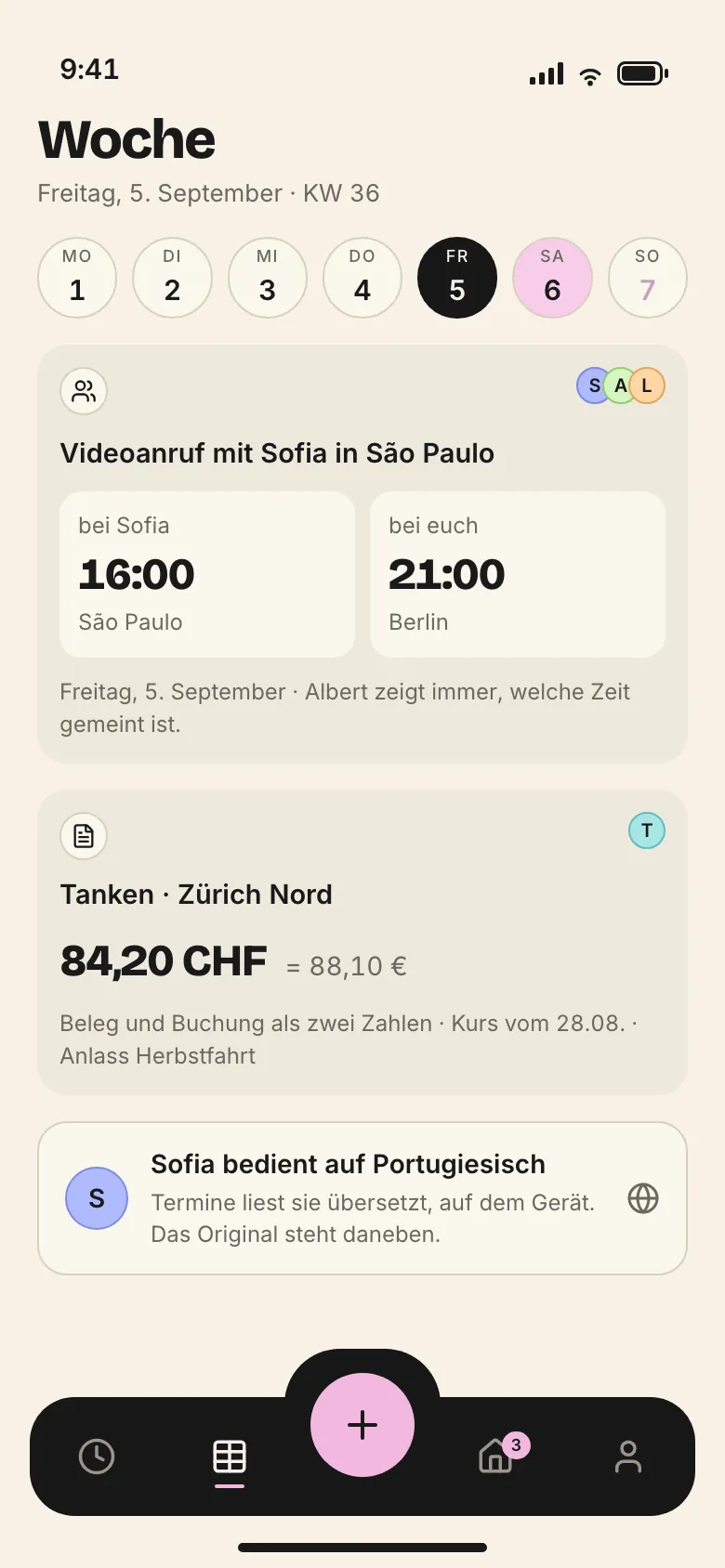
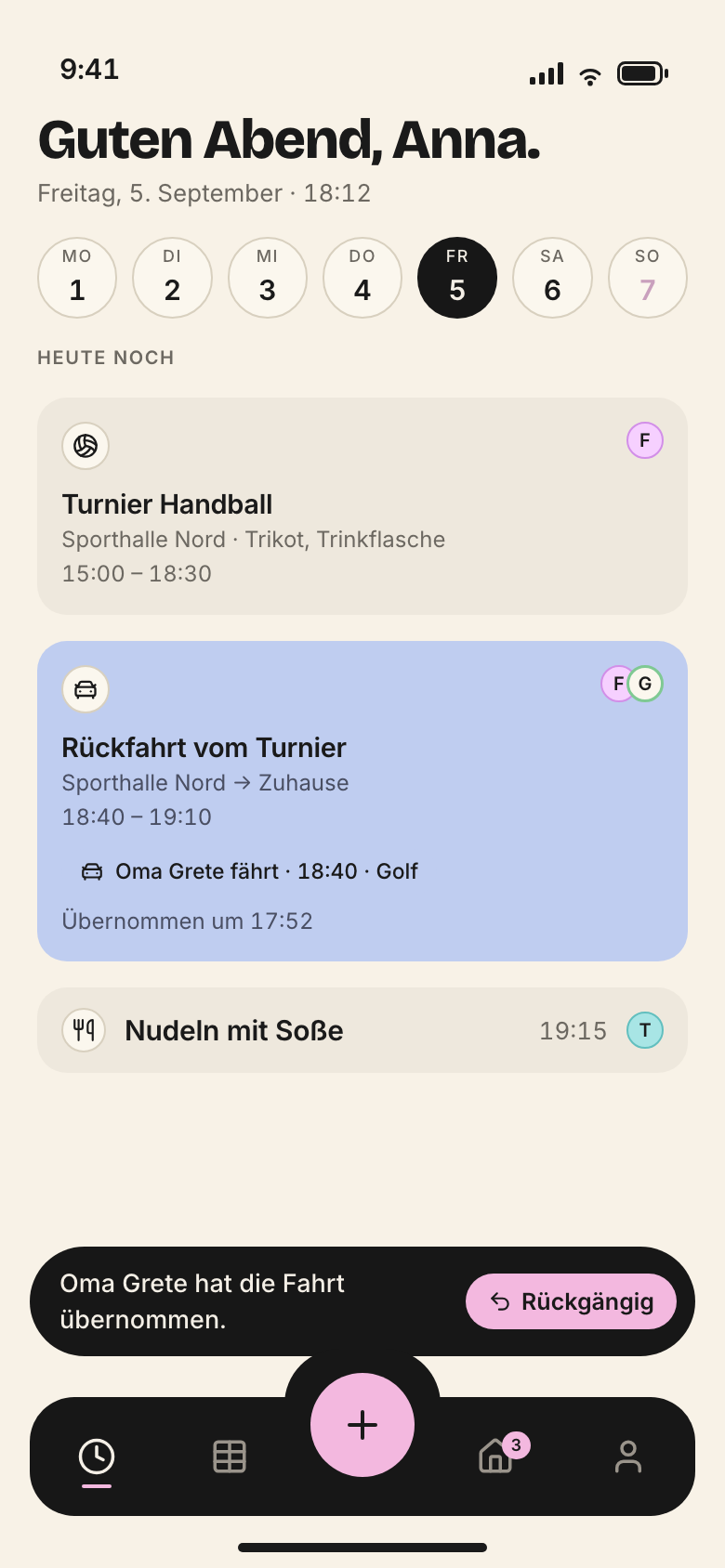
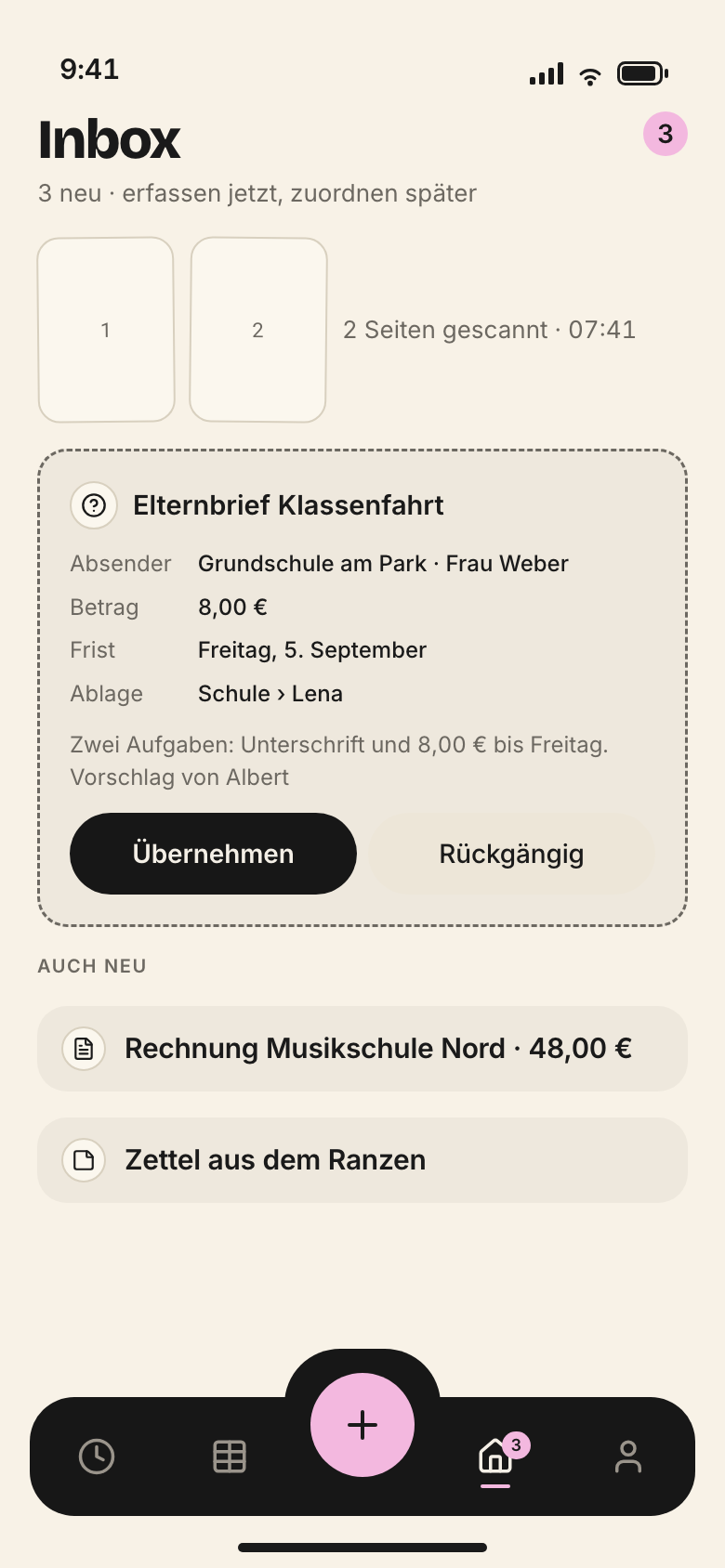
Today is the first surface for adults. Sorted by urgency, not by area: what is running, what comes next, what needs to go along, what is open. Four to six blocks. No person filter, because whoever opens Today is standing in the hallway themselves.
1Status bar, safe area
2Greeting and subline
3Day circles
4
5Cards by urgency
6Toast with Undo
7Tab bar, fixed
8
9
iPhone · Today · 390 × 844 pt · established
1
Status bar, safe area · 47 pt, owned by the system
Belongs to the system. Nothing of ours goes here, and we never draw our own status bar.
„Guten Abend, Anna.“ in Bricolage 800, below it weekday, date and time: „Freitag, 5. September · 18:12“. Full stop at the end, never an exclamation mark.
Cards by urgency · full width 350 pt, padding 12 pt
What is running, what comes next, what needs to go along, what is open. Four to six blocks, no more. Drives blue, family yellow, events beige. A suggestion from Albert appears as a yellow VorschlagKarte where it is urgent. No person filter: whoever opens Today is standing in the hallway themselves.
Black, five places: Today · Week · Plus · Inbox (Eingang) · Me (Ich). The active place has a pink underline, the inbox carries its counter. Each place is 44 pt. The bar stays put while scrolling.
The only thing that sticks out of the bar. Pink, 56 pt, because children press it too. Opens the quick menu: event, task, drive, scan document, contact, note.
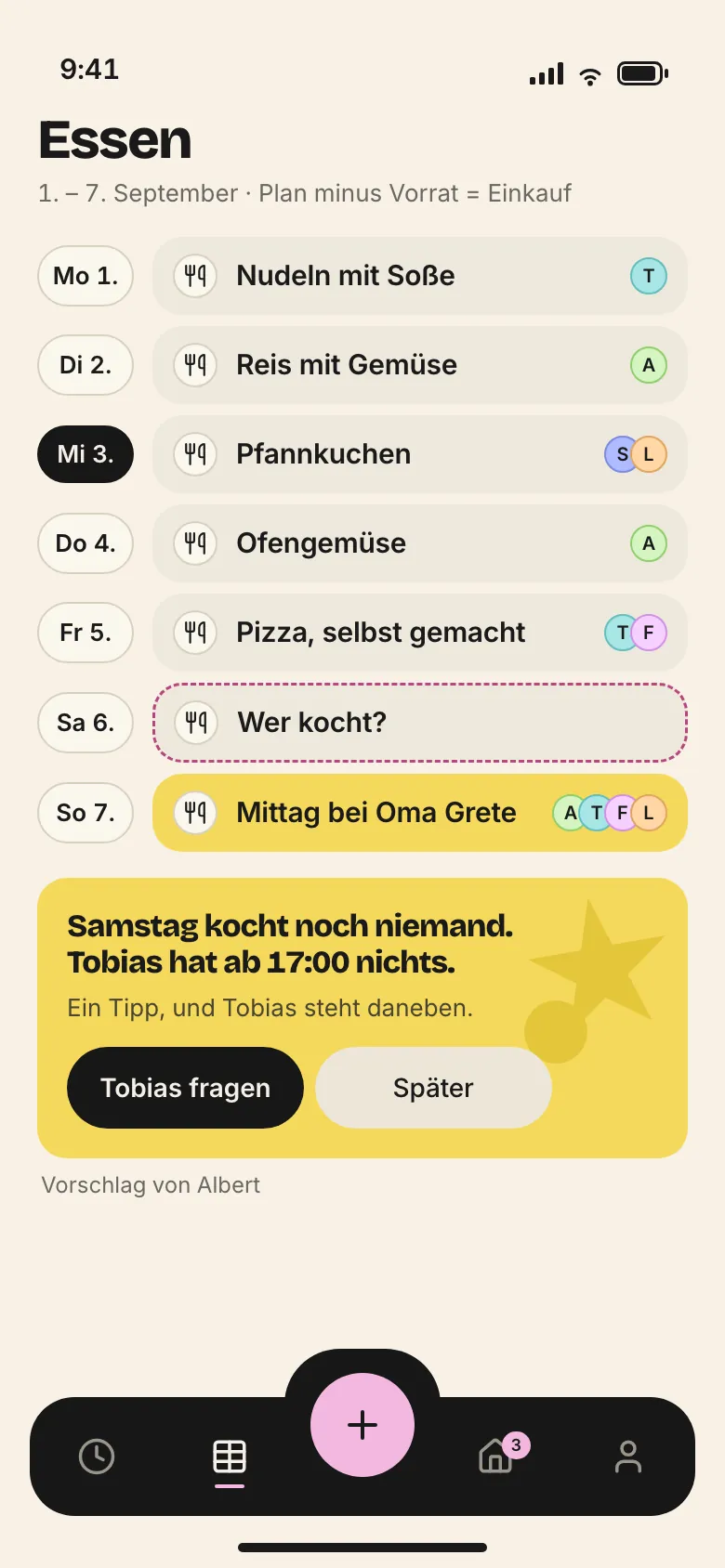
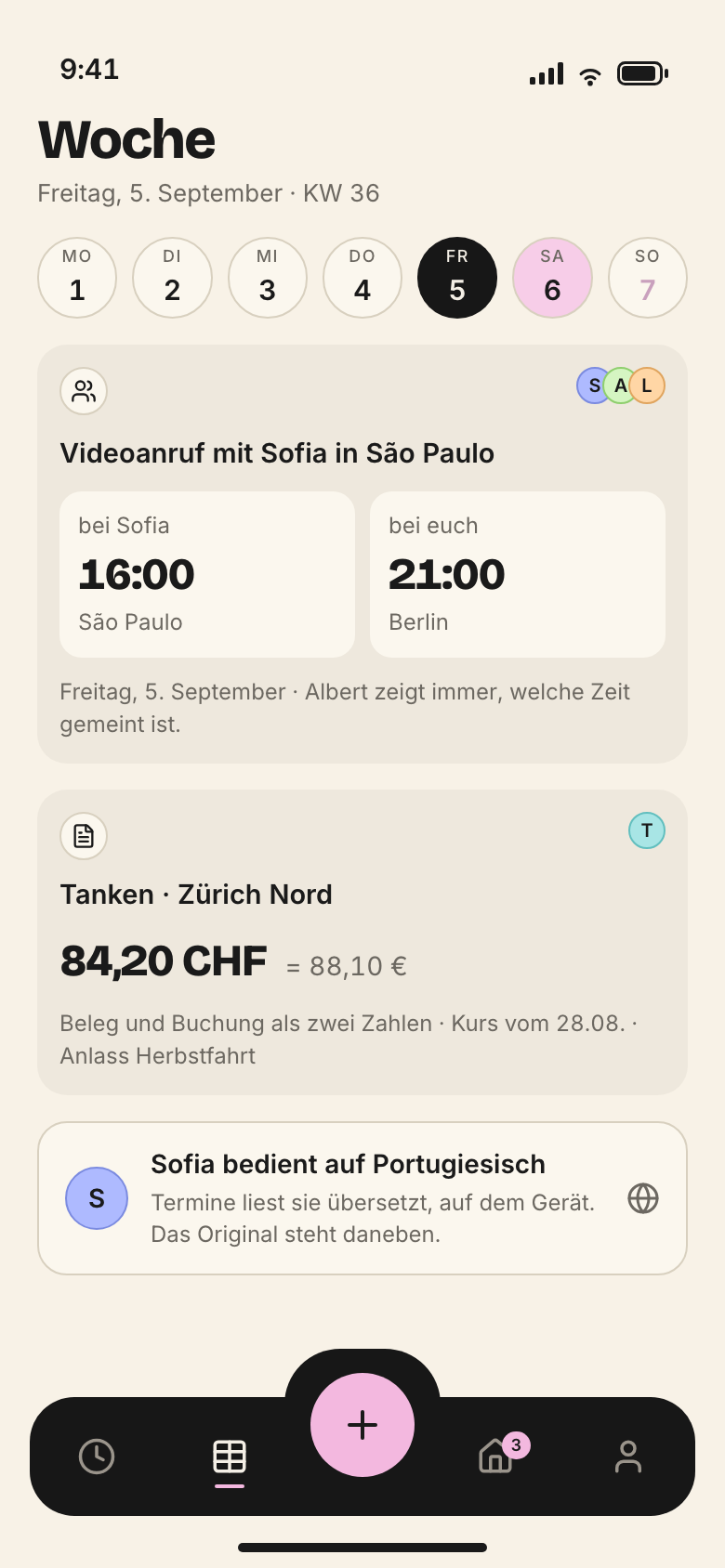
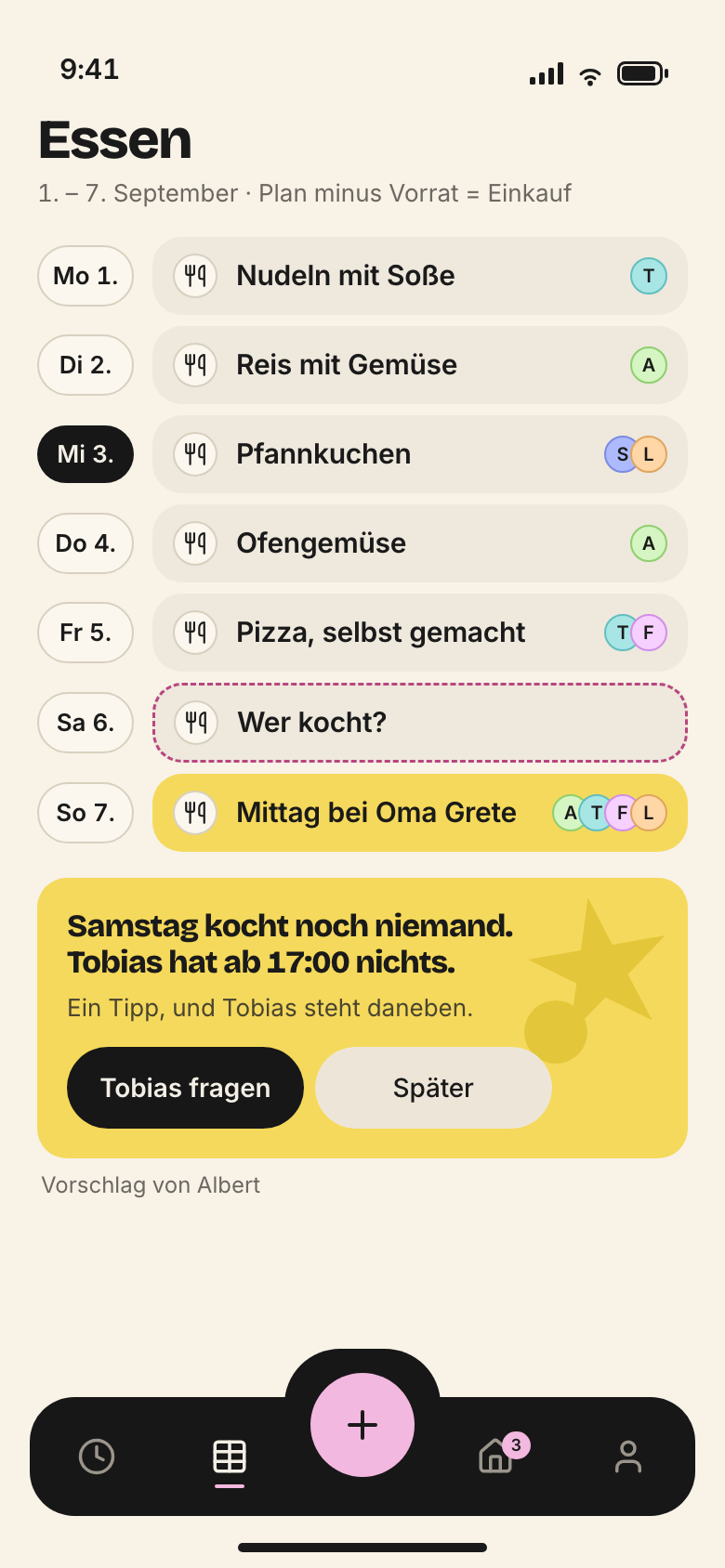
On the iPhone a seven-day grid is too dense. So the week runs as a list: one day per row, expandable, with Albert’s suggestion at the top when something is missing.
1Status bar, safe area
2Title and span
3
4Span control
5Person filter
6Albert’s suggestion
7List rows per day
8Tab bar, fixed
9
10
iPhone · Week as list · 390 × 844 pt · established
1
Status bar, safe area · 47 pt, owned by the system
Belongs to the system. Nothing of ours goes here, and we never draw our own status bar.
2
Title and span
„Woche 36“, below it „1. – 7. September“. Here the heading names, it does not greet.
One day per row. Past days collapse. The text says who carries the day: „heute · Anna und Felix“, the hours on the right, „3,0 h“. Expanded, compact cards sit inside.
Black, five places: Today · Week · Plus · Inbox (Eingang) · Me (Ich). The active place has a pink underline, the inbox carries its counter. Each place is 44 pt. The bar stays put while scrolling.
The only thing that sticks out of the bar. Pink, 56 pt, because children press it too. Opens the quick menu: event, task, drive, scan document, contact, note.
Black, five places: Today · Week · Plus · Inbox (Eingang) · Me (Ich). The active place has a pink underline, the inbox carries its counter. Each place is 44 pt. The bar stays put while scrolling.
The only thing that sticks out of the bar. Pink, 56 pt, because children press it too. Opens the quick menu: event, task, drive, scan document, contact, note.
The day in the hour grid exists on the iPhone too, with day circles, person filter, time axis and now line (reference screen iphone-a2-tag.png). It follows the same regions as Today, with the person filter below the day circles.
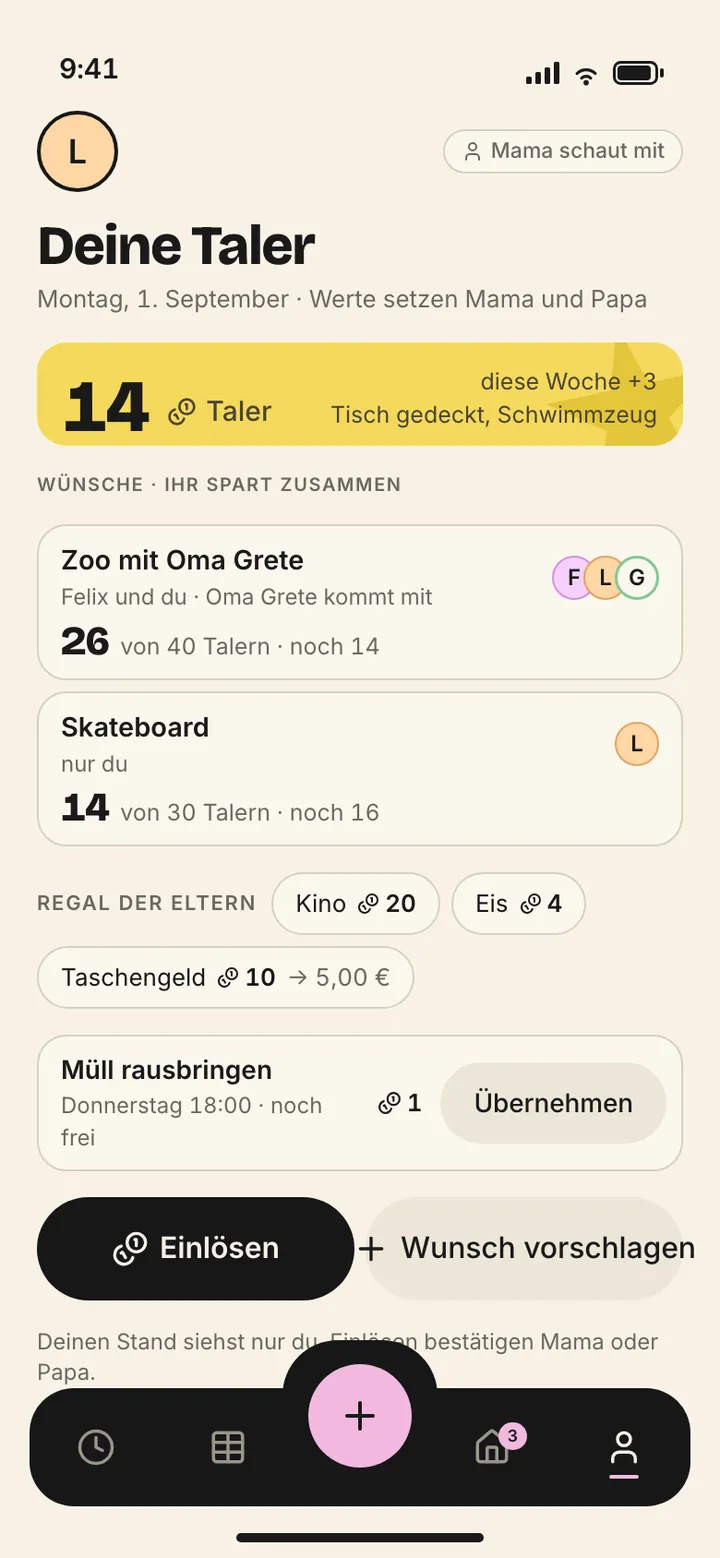
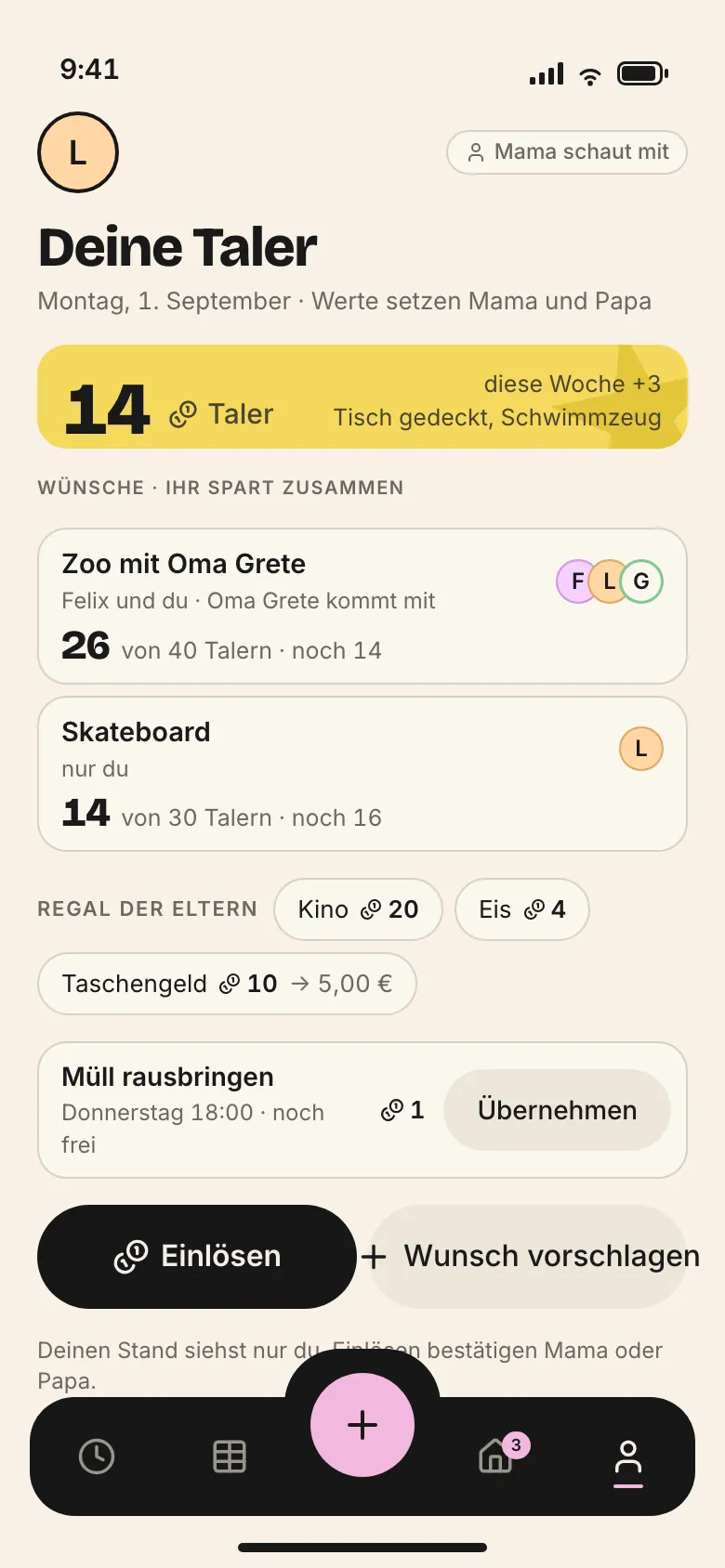
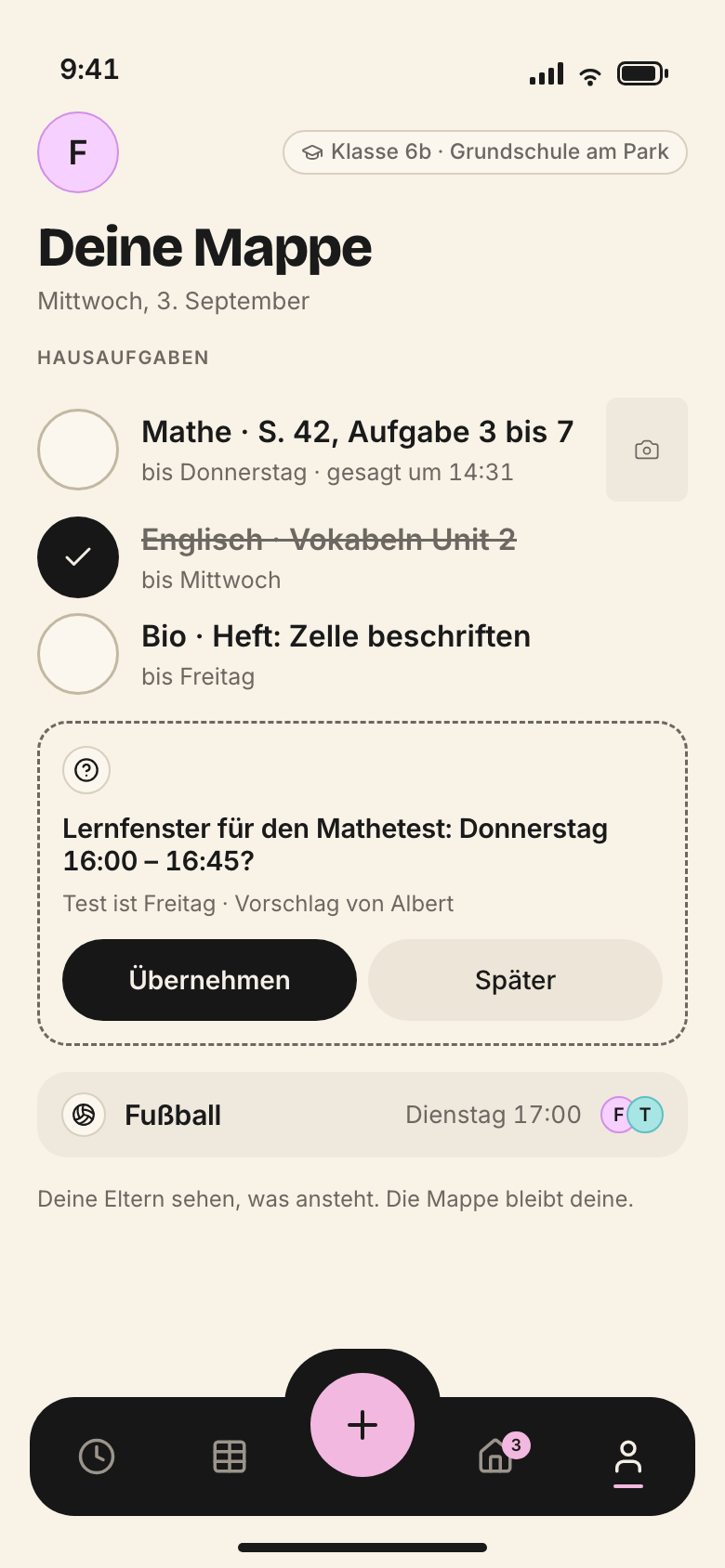
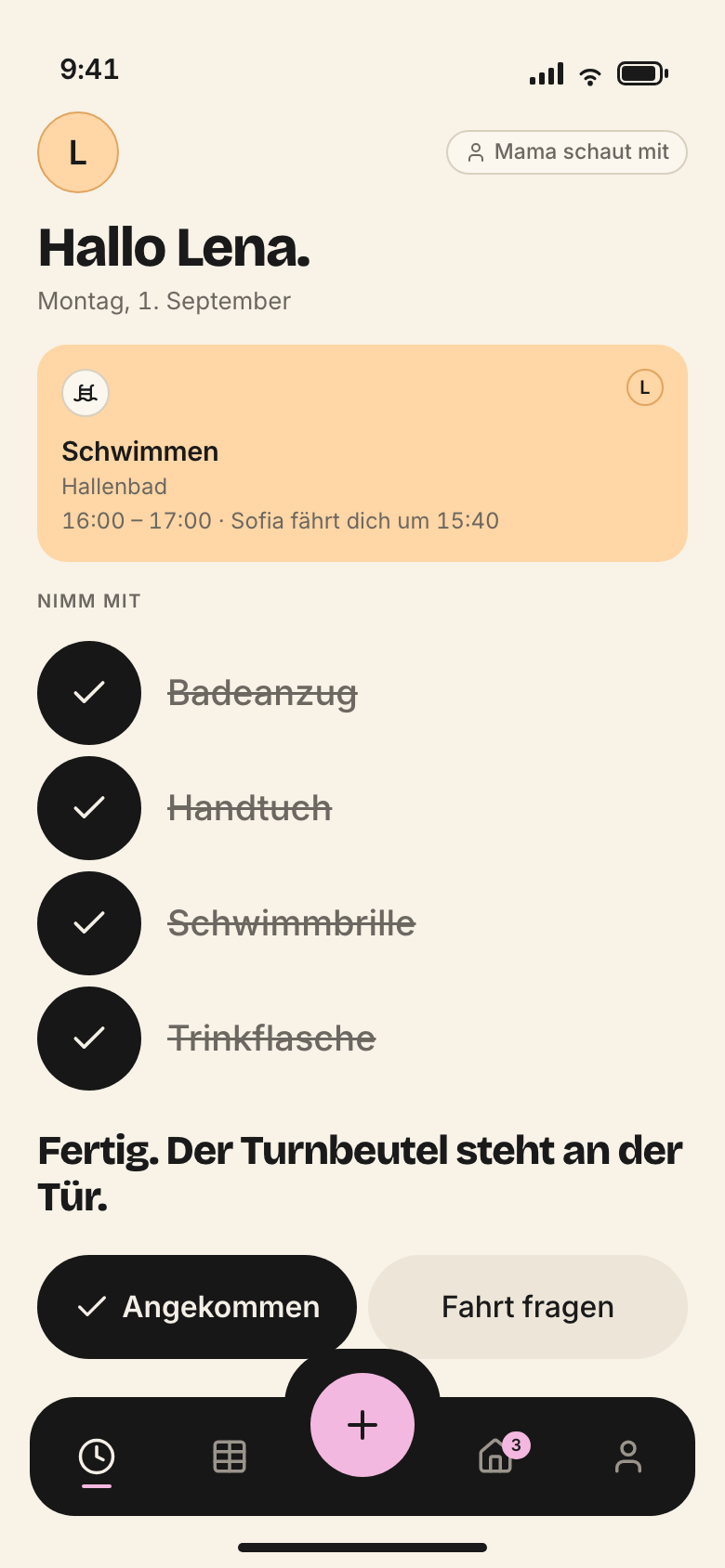
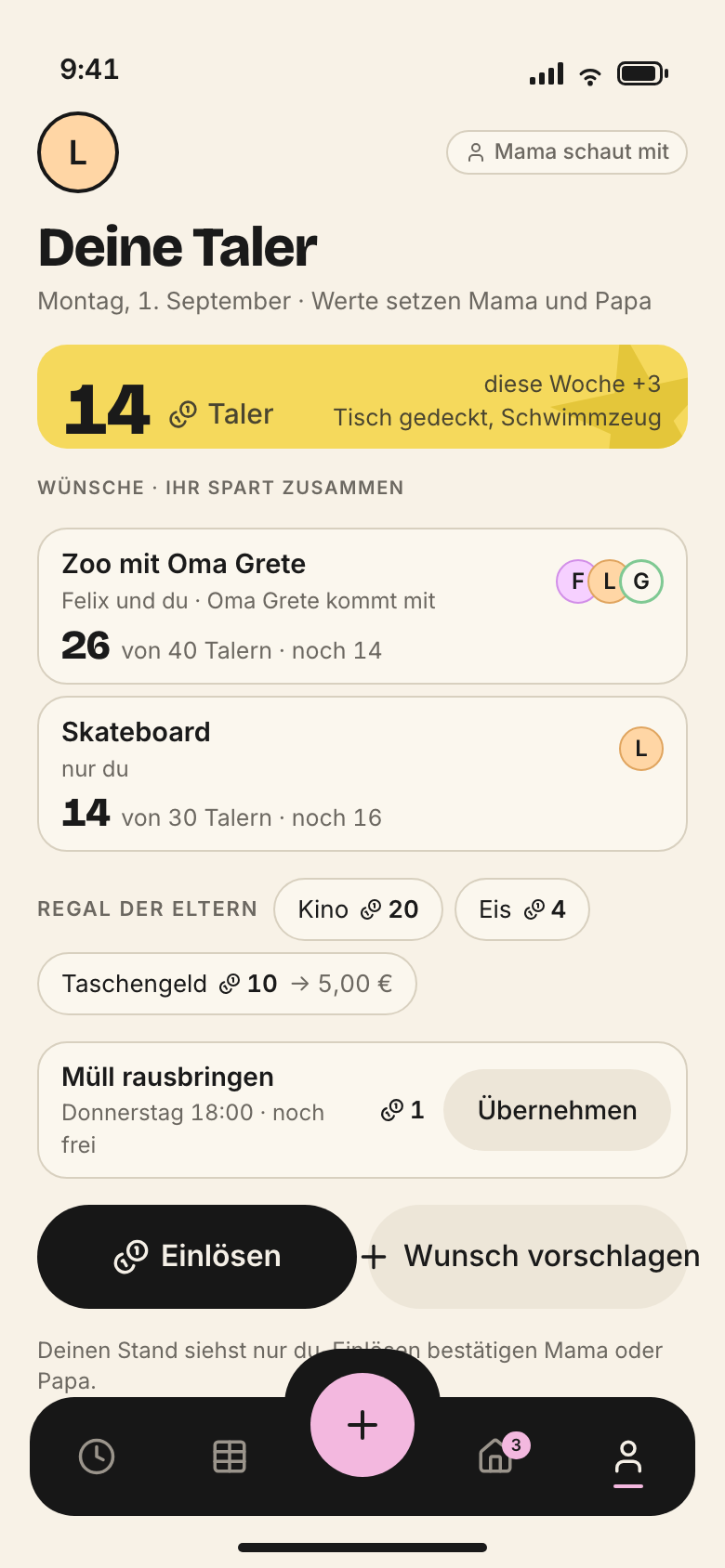
Children get their own entry point, not a trimmed adult view. Target sizes 56 pt, read-aloud register (Vorleser), short sentences, big words. The child always sees who is watching.
1Status bar, safe area
2Own circle and who is watching
3Greeting
4Taler balance
5Wishes and savings goals
6Parents’ shelf
7Open chore
8Two child-size buttons
9Tab bar, fixed
10
11
iPhone · Child space (Taler) · 390 × 844 pt · established
1
Status bar, safe area · 47 pt, owned by the system
Belongs to the system. Nothing of ours goes here, and we never draw our own status bar.
2
Own circle and who is watching · circle 44 pt
Lena’s circle on the left. On the right, when an adult is watching: „Mama schaut mit“ (Mum is watching). The child always knows who can see.
Black, five places: Today · Week · Plus · Inbox (Eingang) · Me (Ich). The active place has a pink underline, the inbox carries its counter. Each place is 44 pt. The bar stays put while scrolling.
The only thing that sticks out of the bar. Pink, 56 pt, because children press it too. Opens the quick menu: event, task, drive, scan document, contact, note.
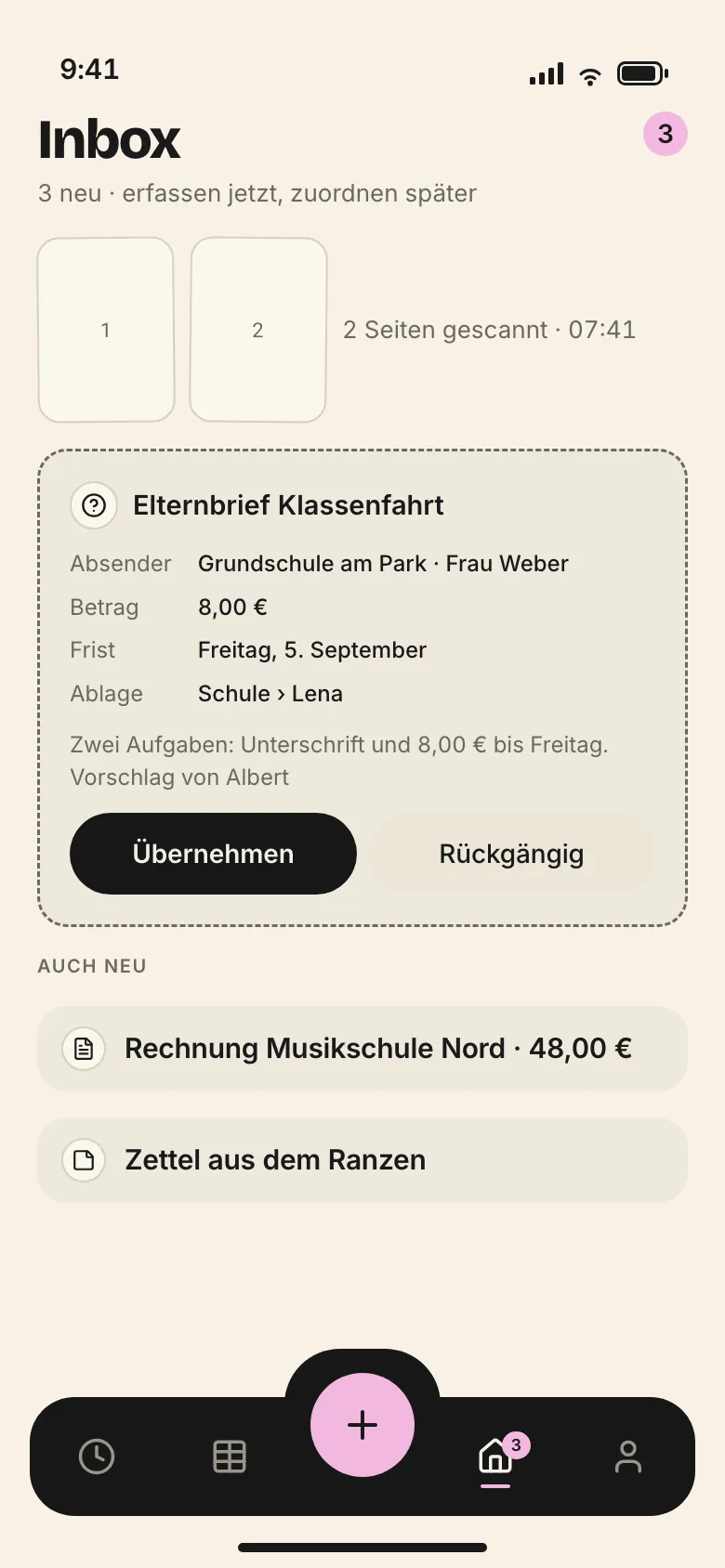
The bar stays put while scrolling and is never translucent. A toast sits above it, never on it. The counter on the inbox only counts what needs a decision.