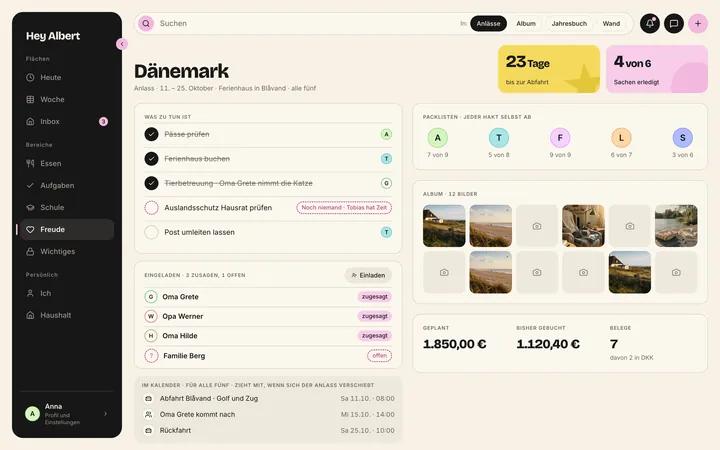
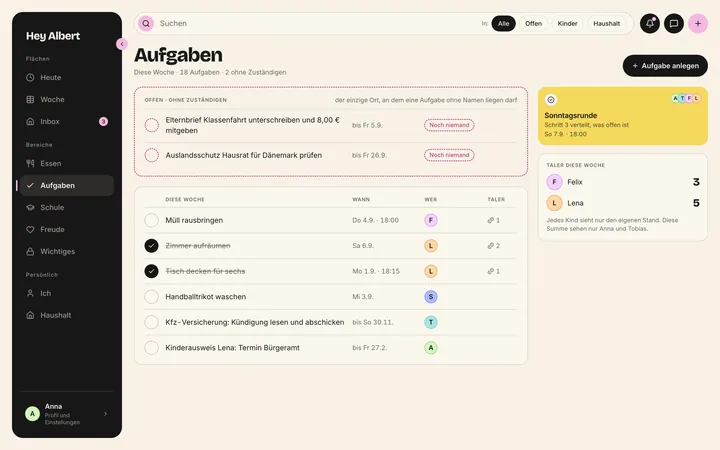
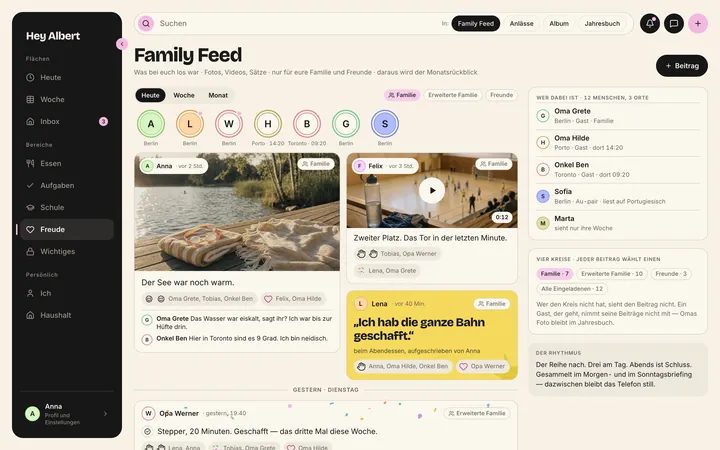
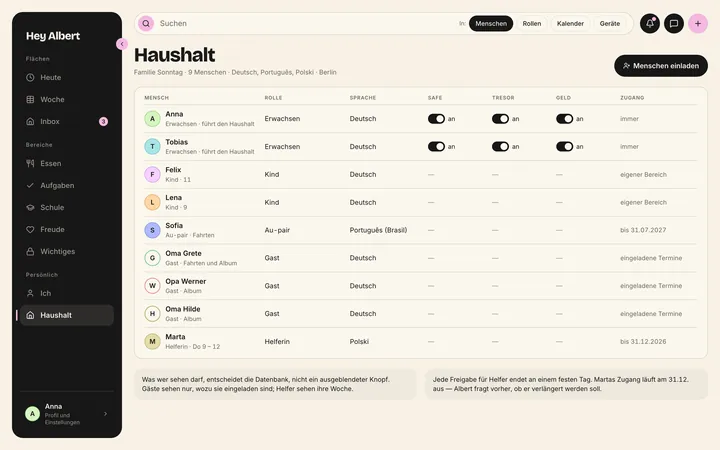
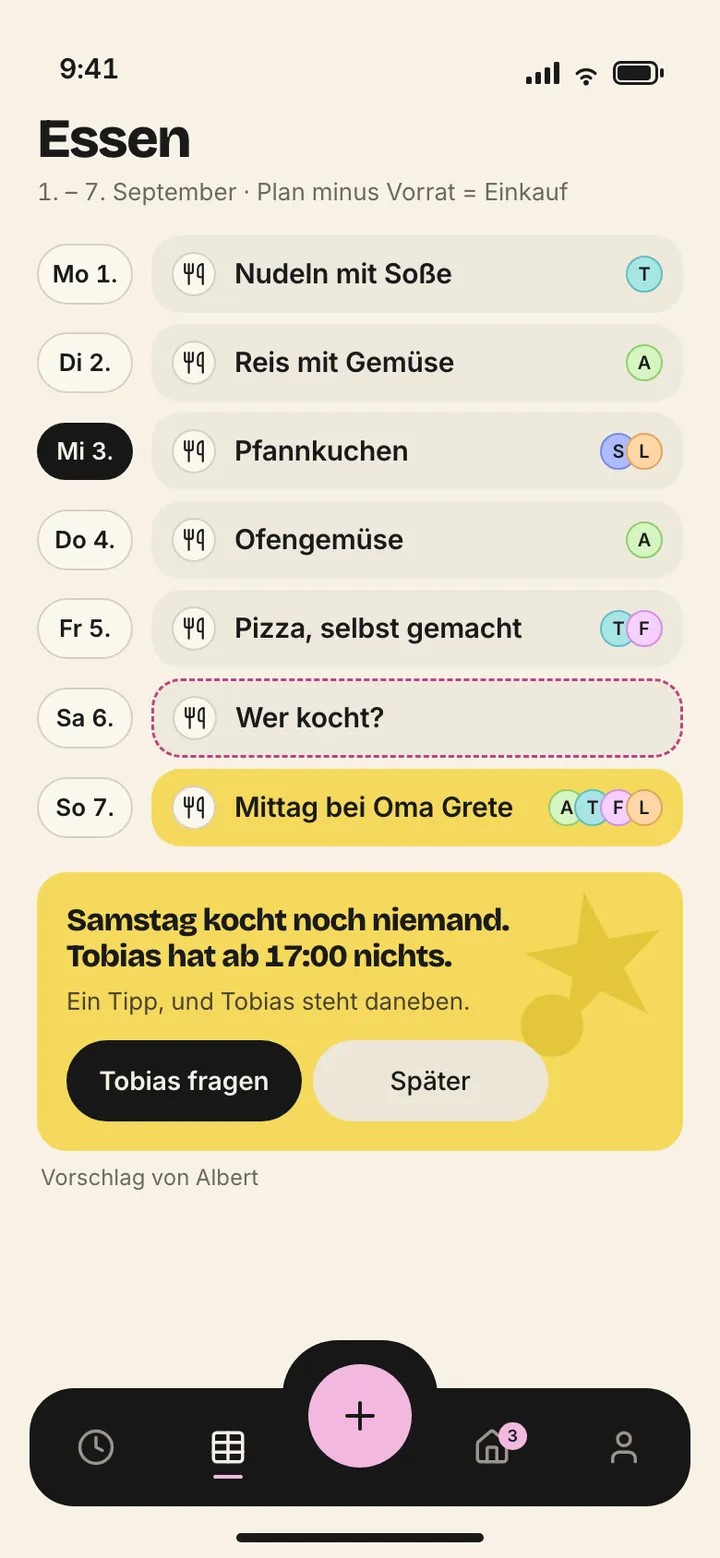
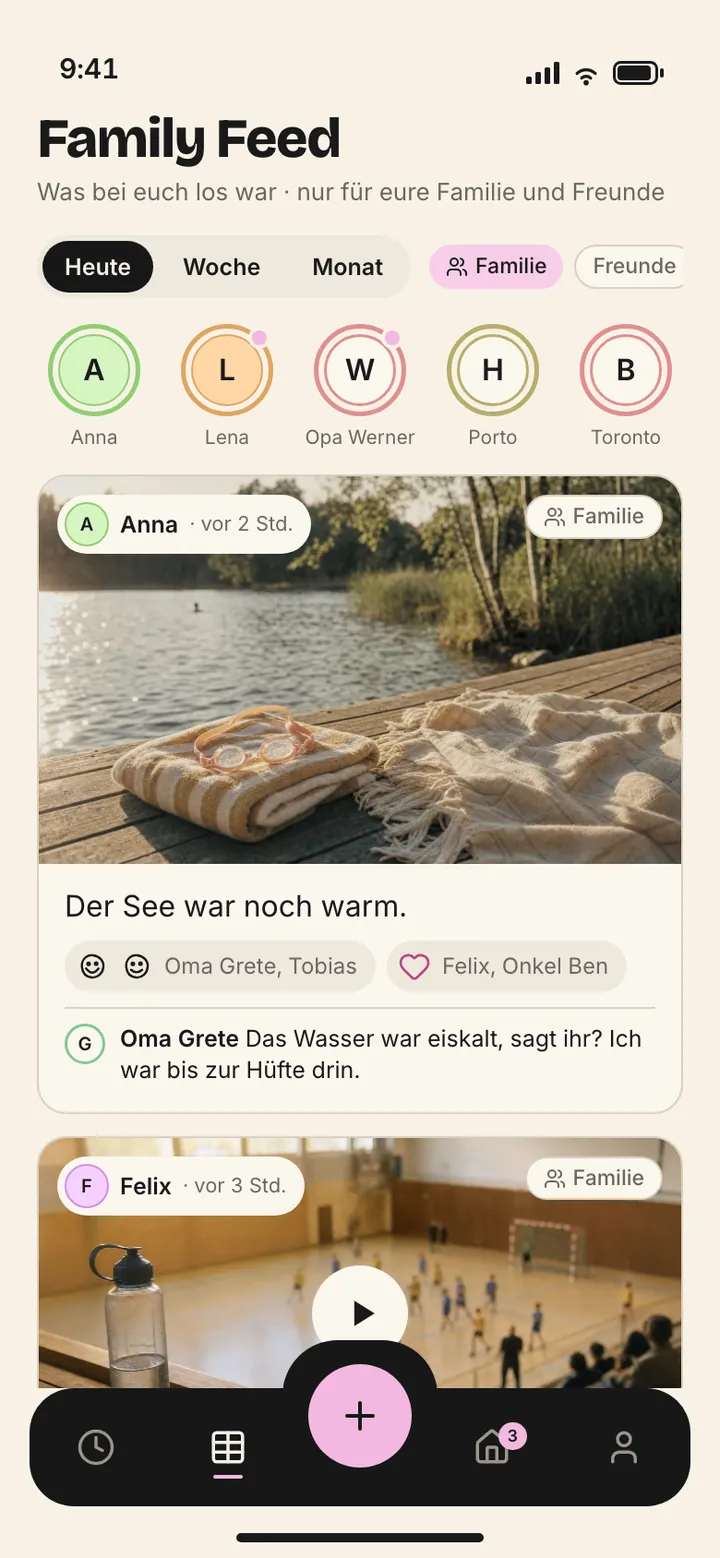
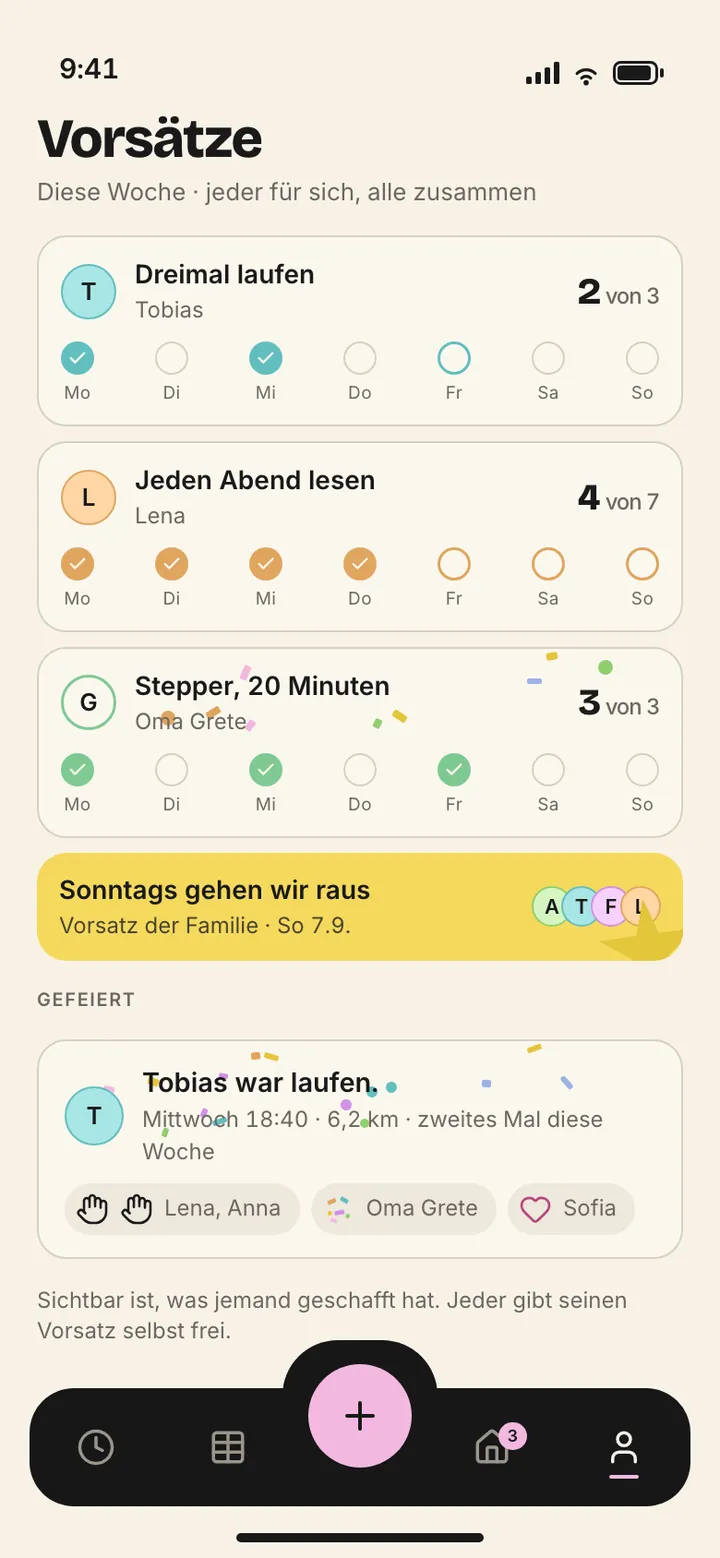
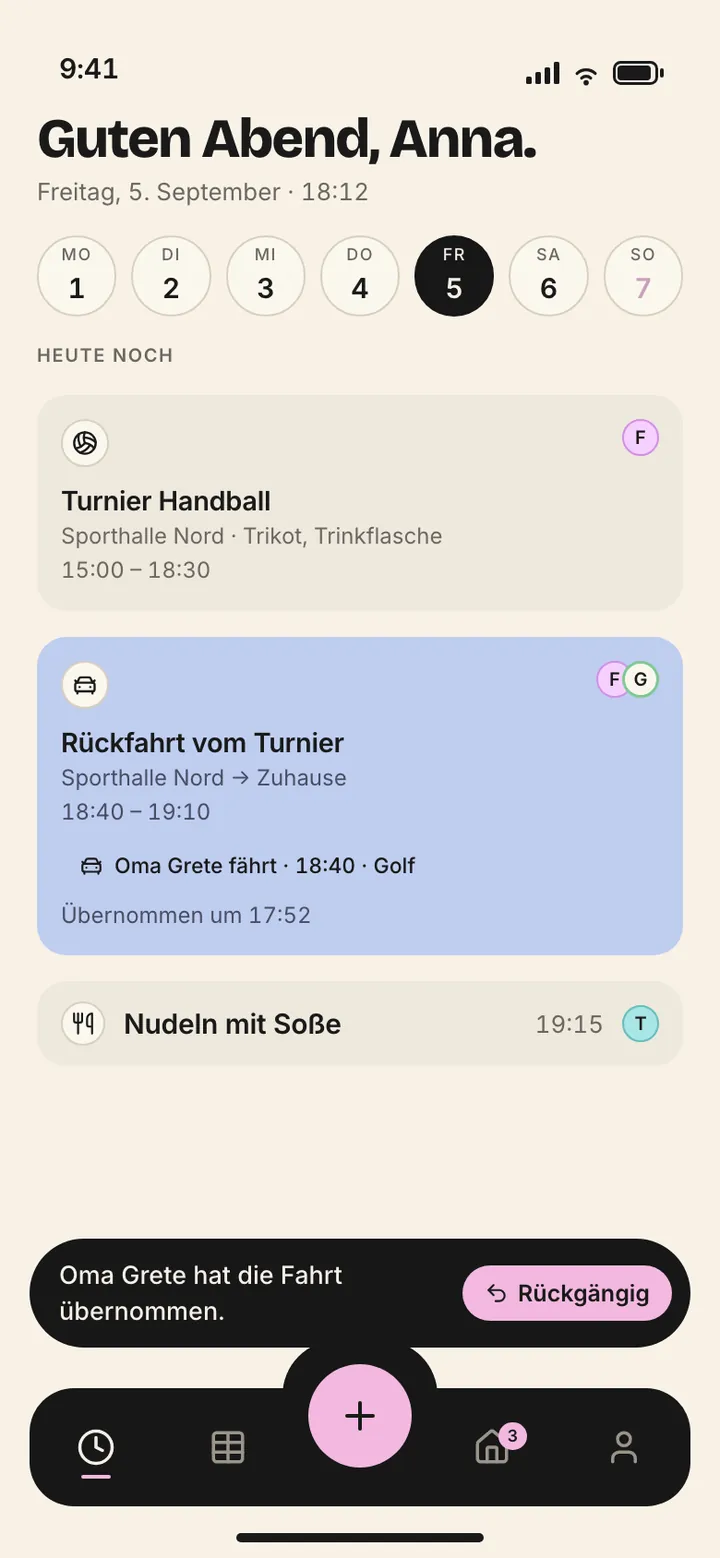
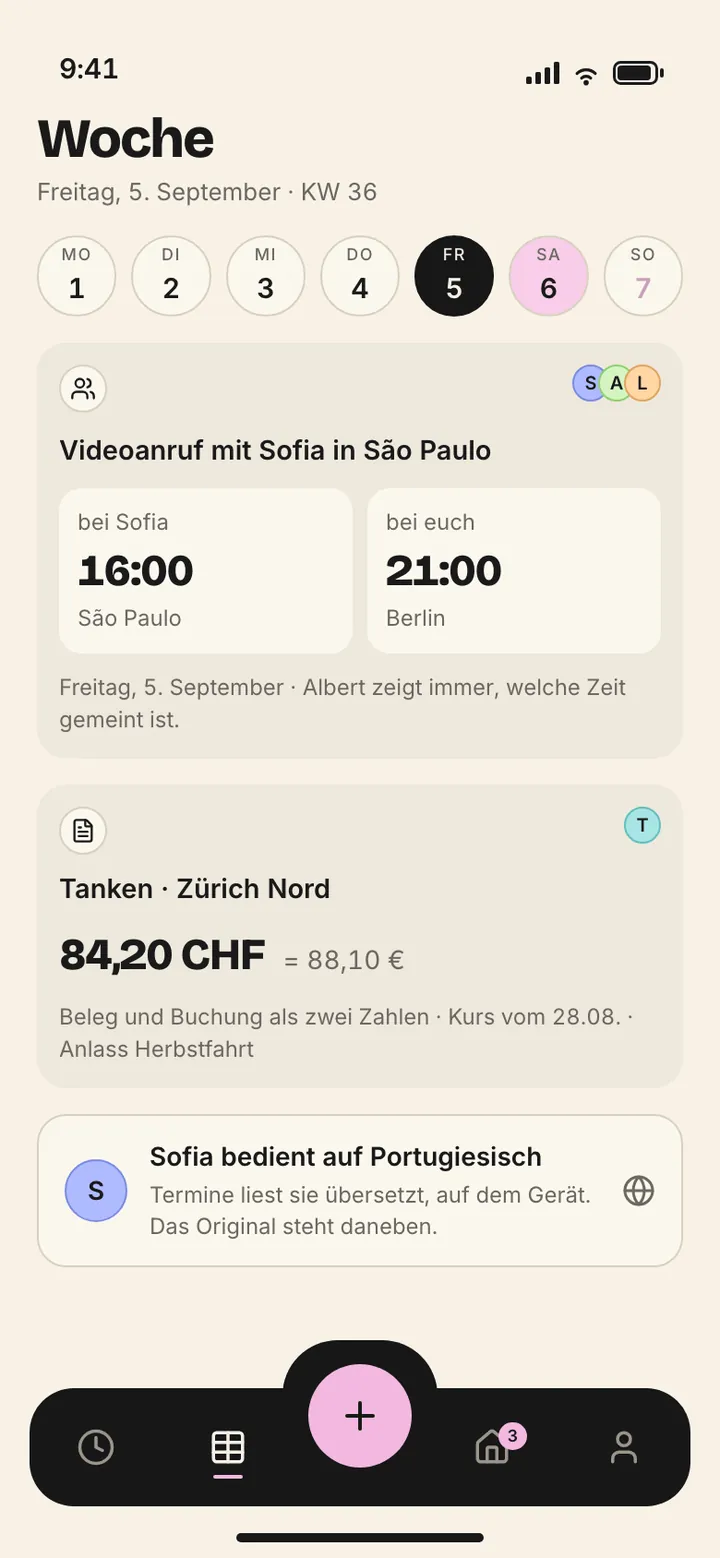
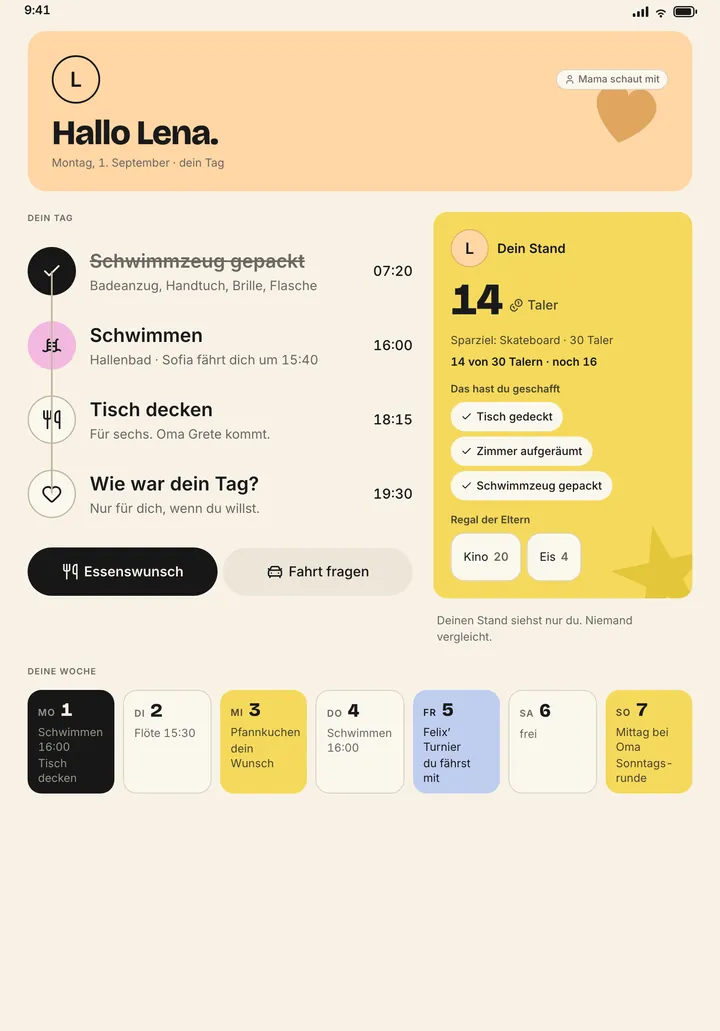
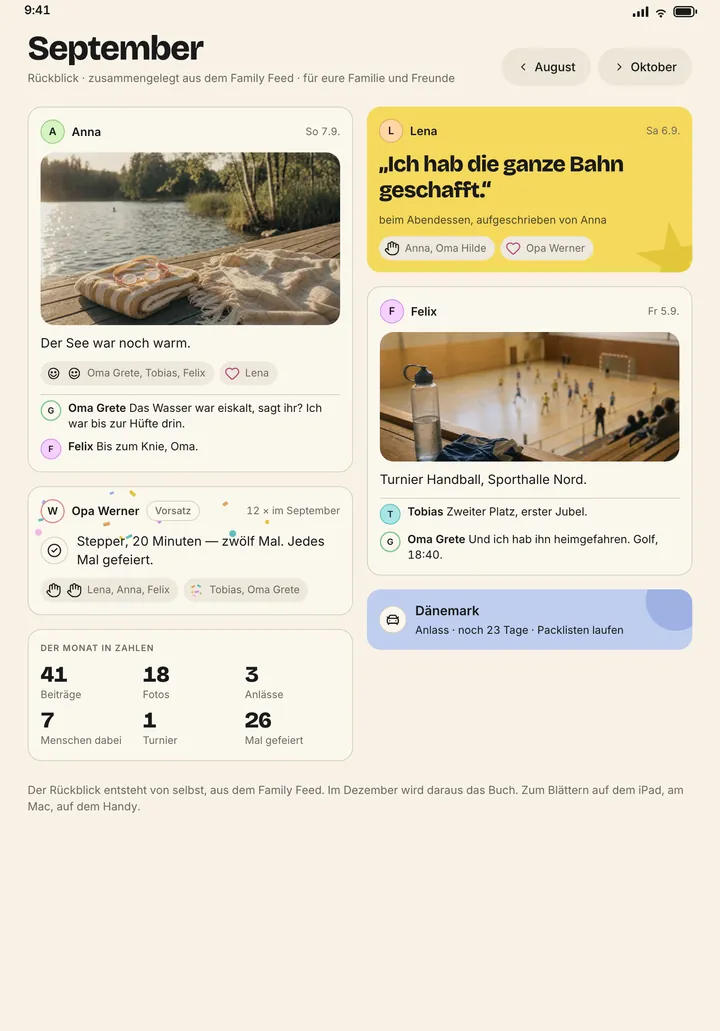
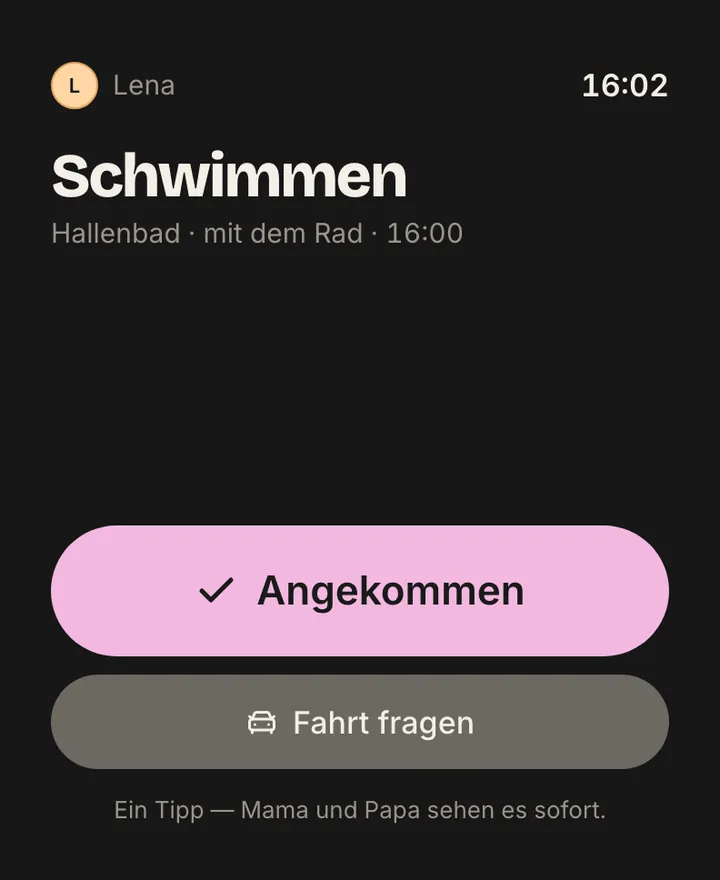
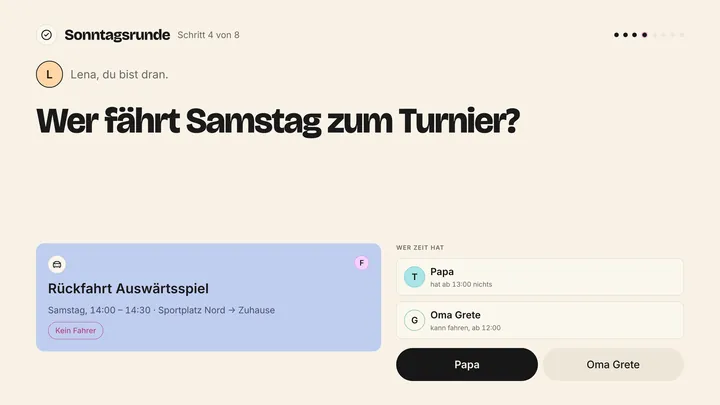
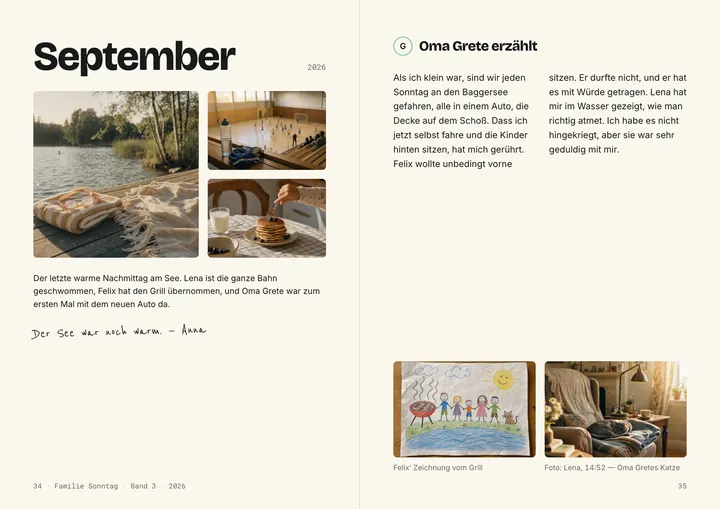
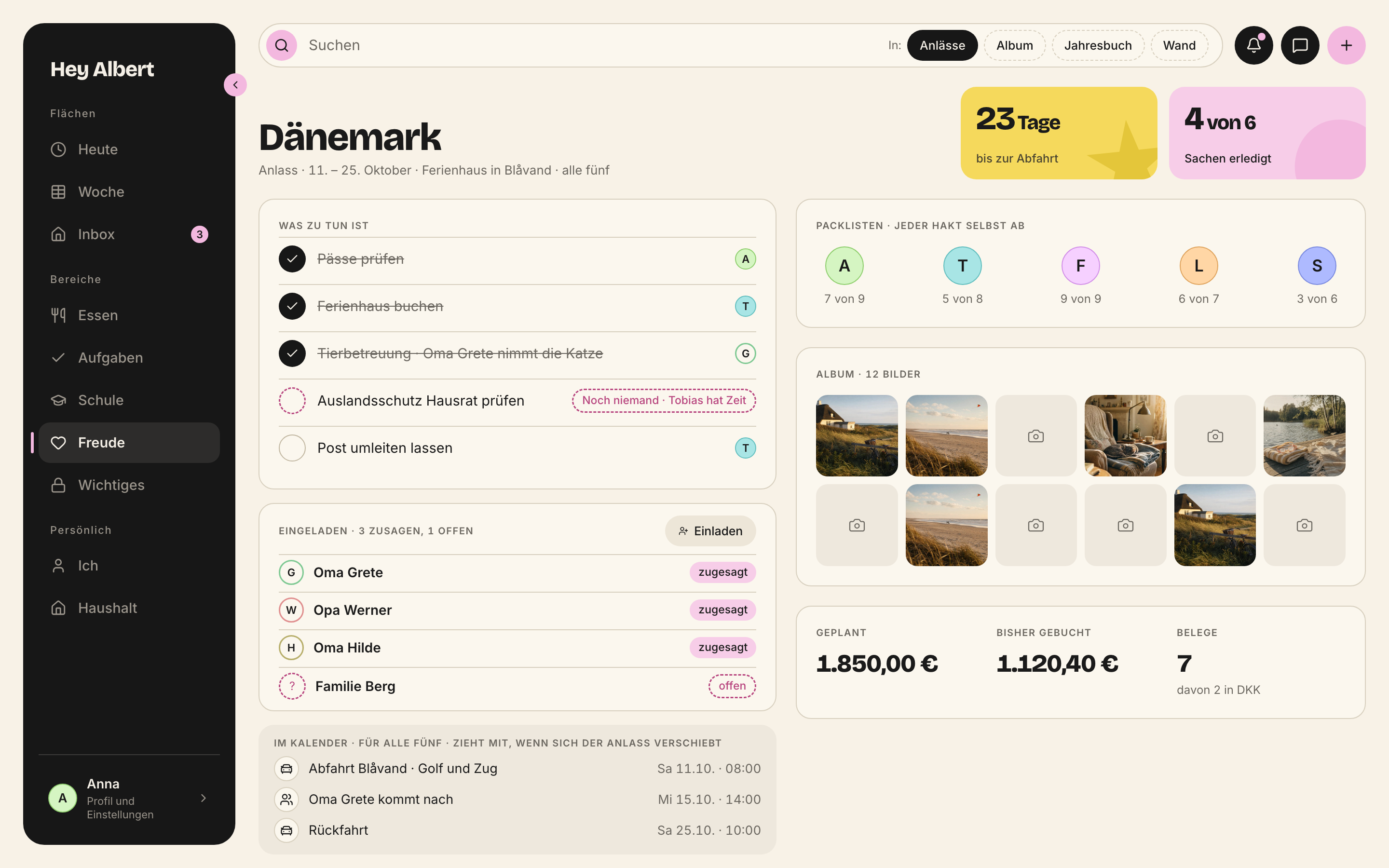
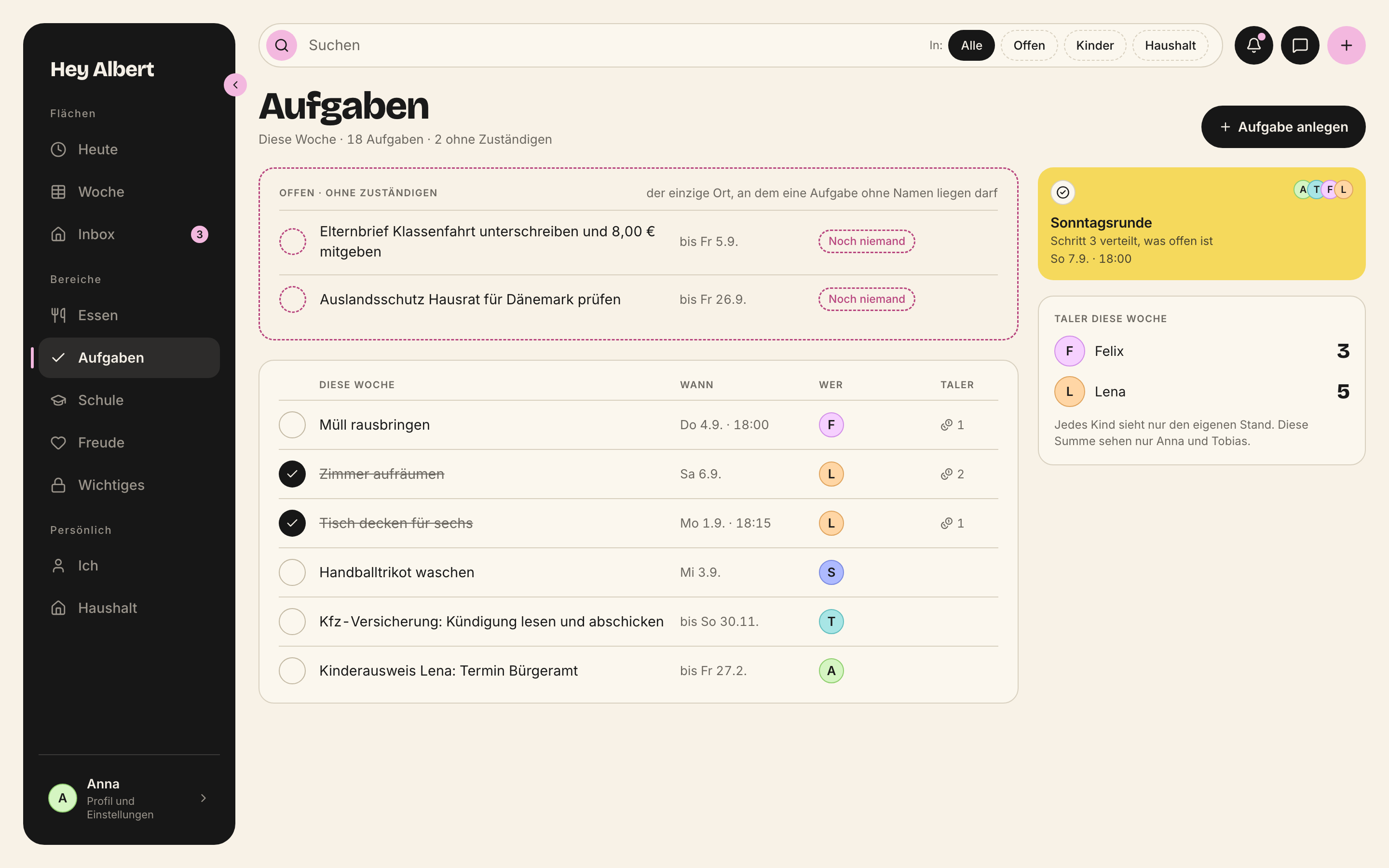
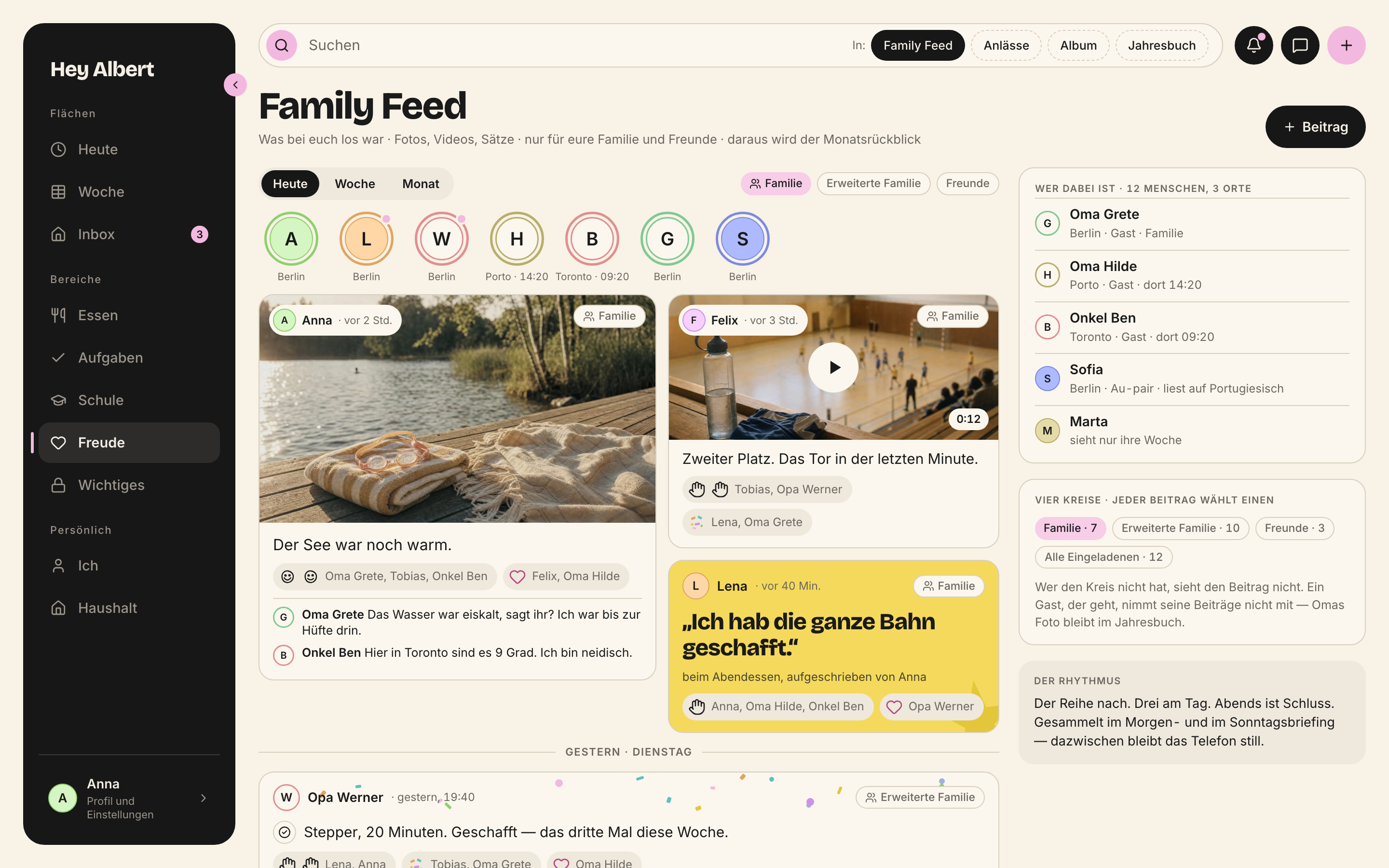
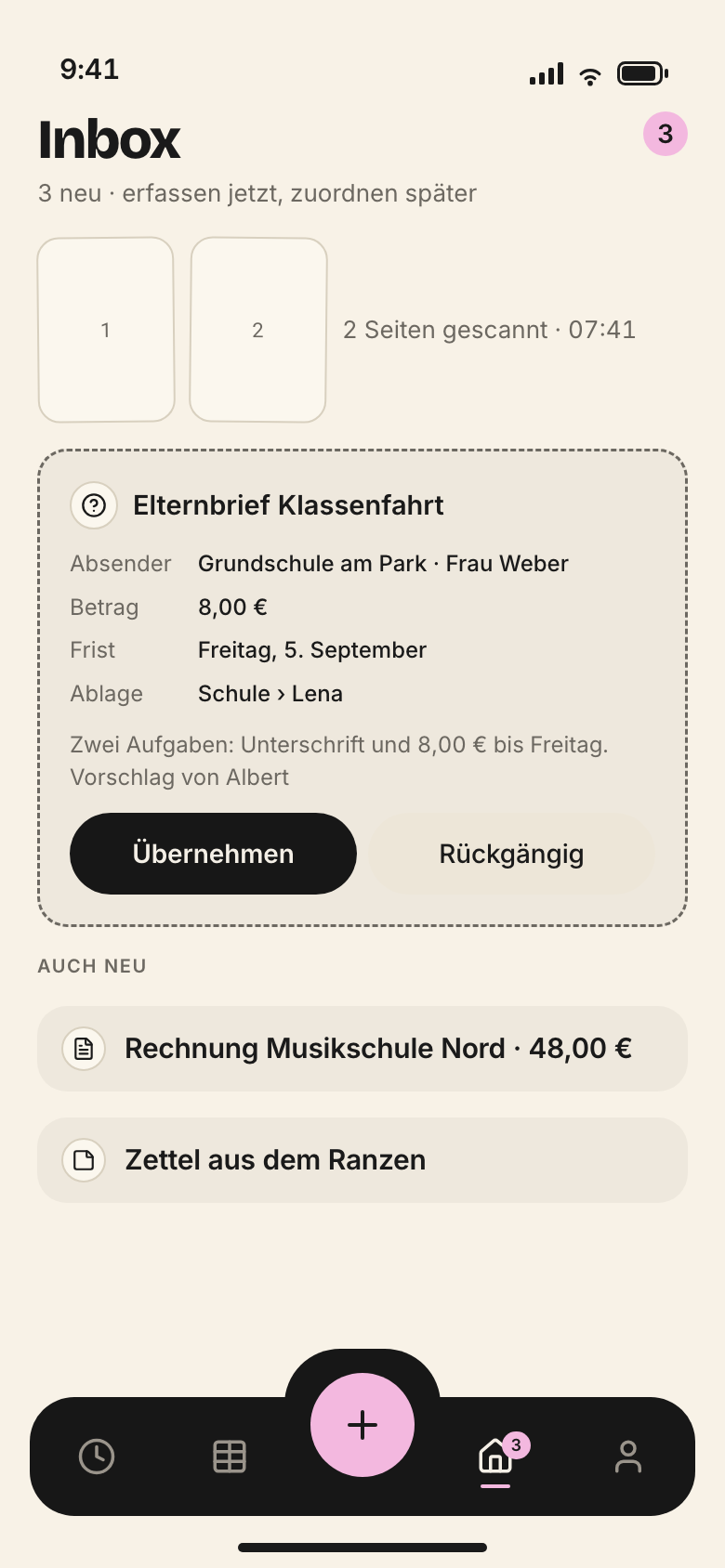
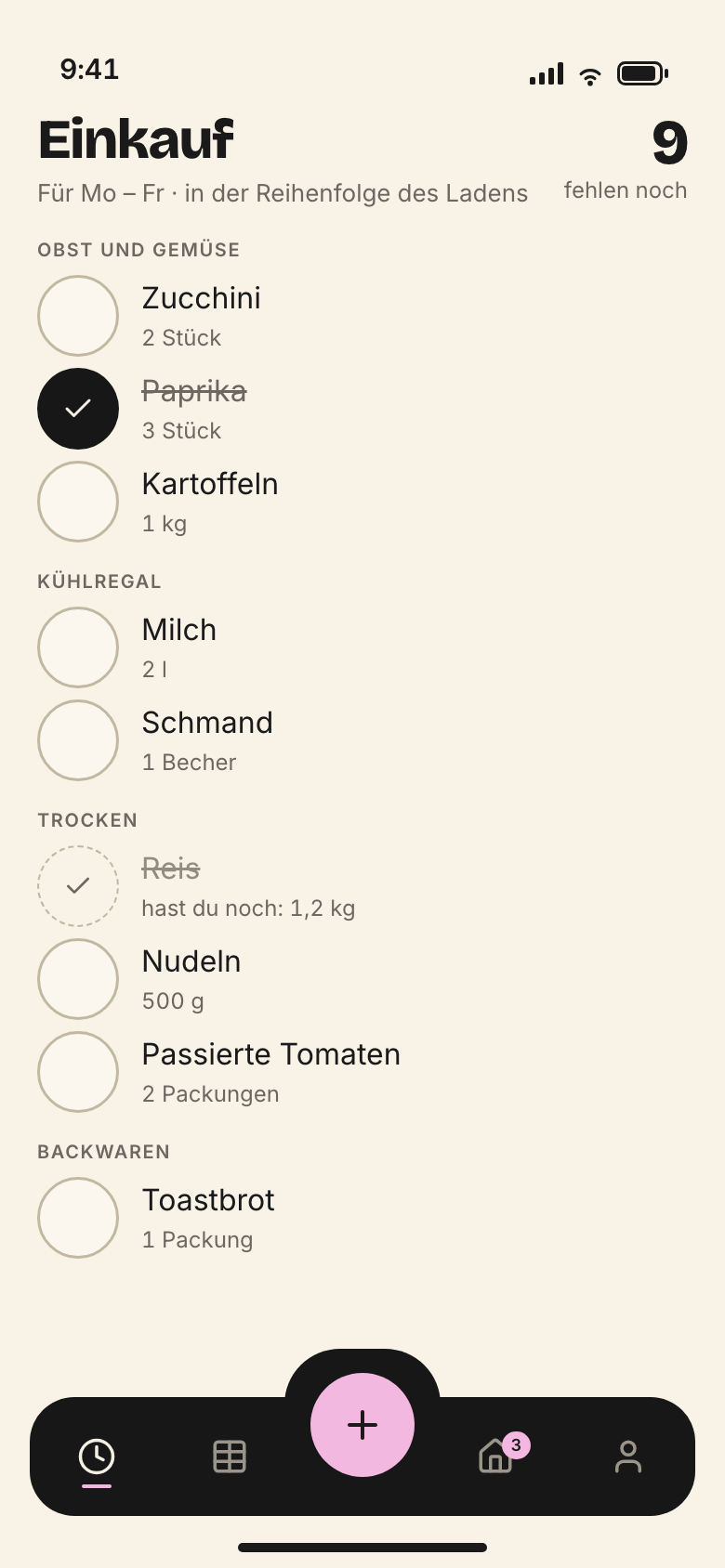
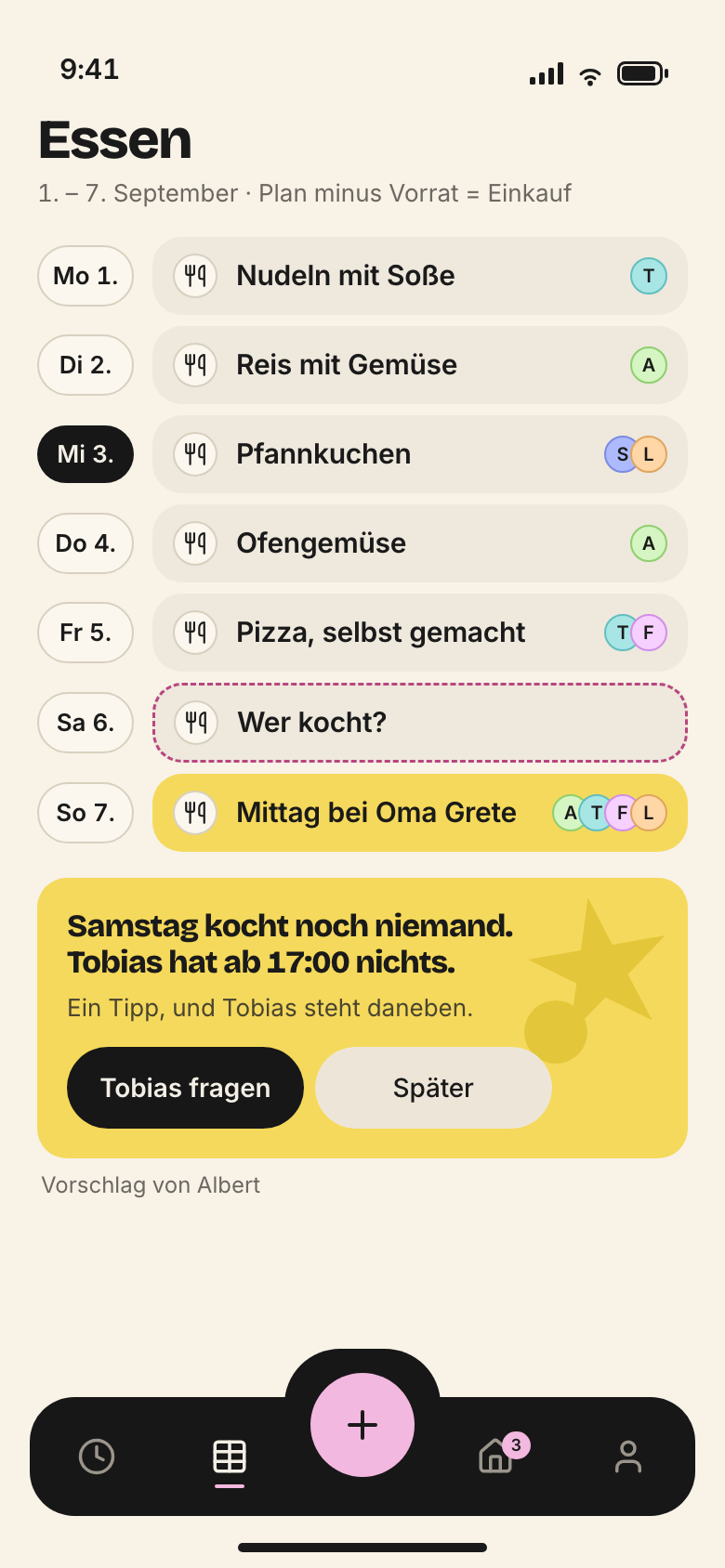
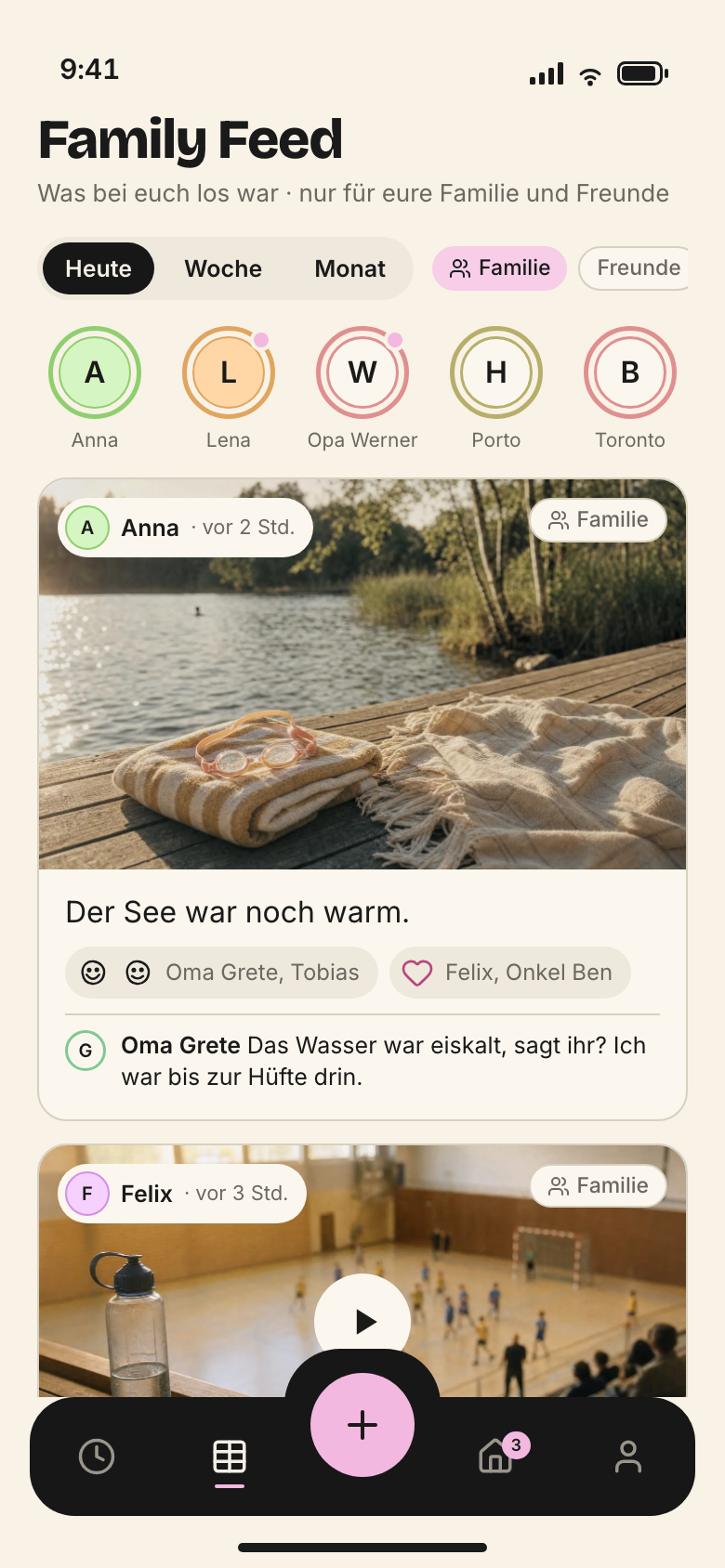
How a Hey Albert screen is built – on iPhone, iPad, Mac, Watch and in the browser. Devices, places, roles, density, grid, header and cards, with every screen of the Sonntag family.
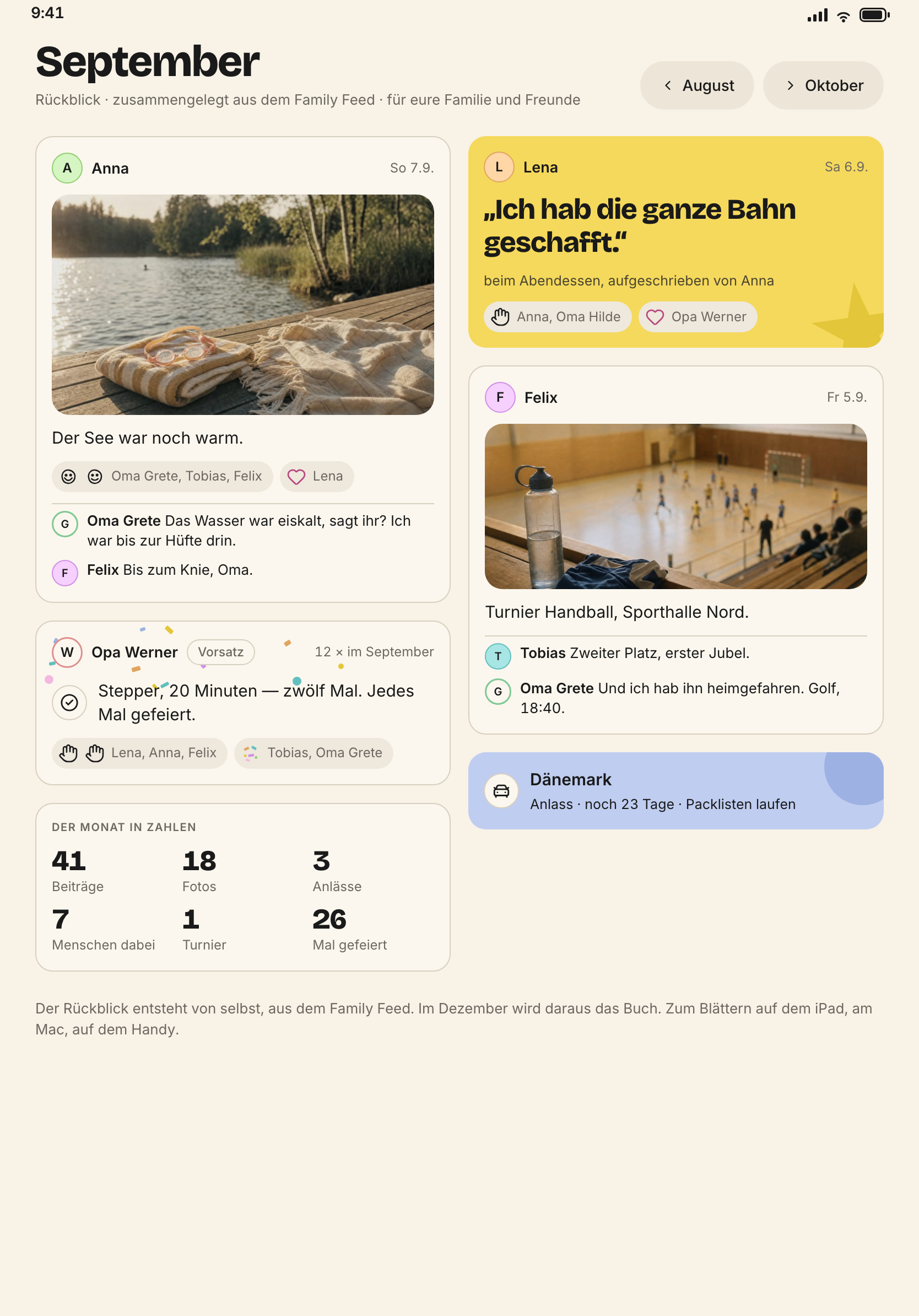
Hey Albert has one data model and many views. An event is a card in the hour grid on the Mac, a row in the list on the iPhone and a question with two answers on the watch. It is always the same row in the database. This chapter covers what applies to every device. The chapters iPhone, iPad, Mac and Watch show the layout region by region, in points.
Principle 2 is the foundation of every screen. Week, Today and calendar render the same things. A view may filter, group and condense. It may never hold data of its own.
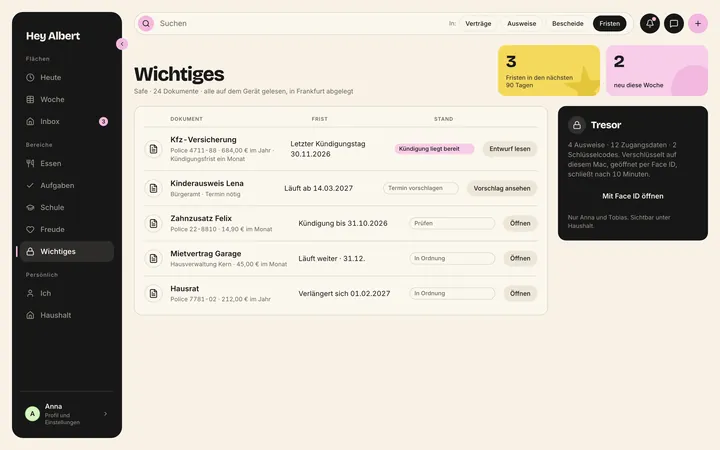
planning the week, safe, finances, Sunday round, managing the household
iPhone
the everyday device
on the way, in the shop, in the car, in the hallway – one-handed
iPad
family and children’s device
in the kitchen, at the table, in the children’s room
Apple Watch
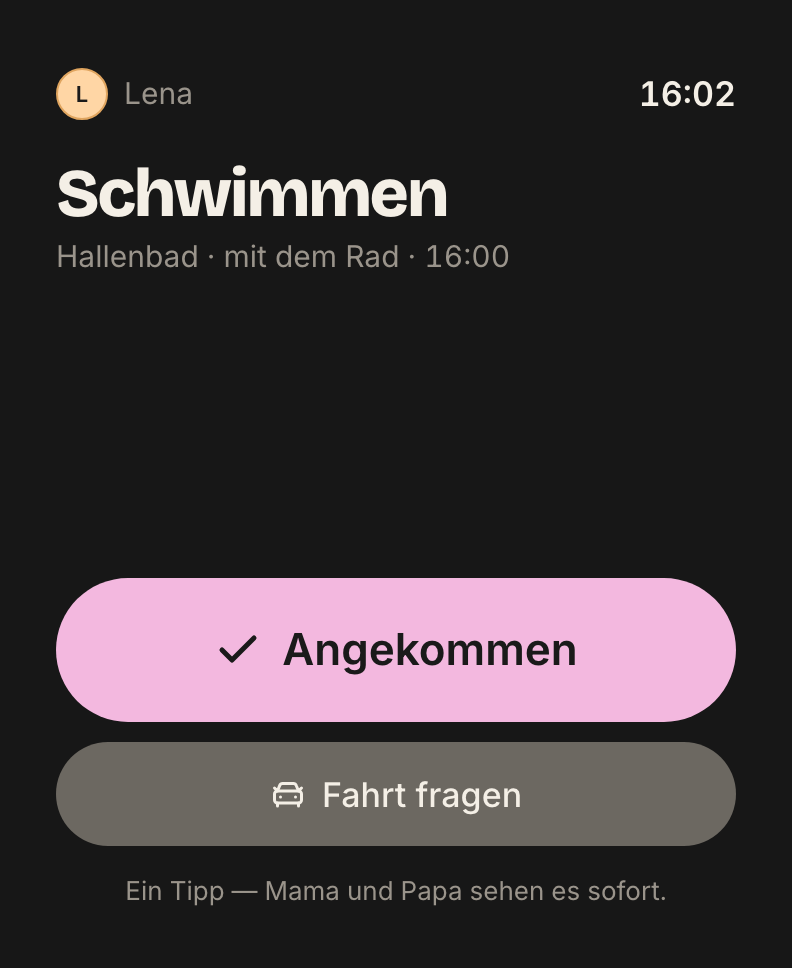
the five-second device
leaving, arrived, ticked off, voted
Browser
the web app
planning and paperwork on any computer, the same layout as the Mac
The rule behind it is in docs/11-produkt.md §10: what is planned belongs on the Mac. What happens together belongs on the iPad. What happens on the way belongs on the iPhone. What takes one second belongs on the watch.
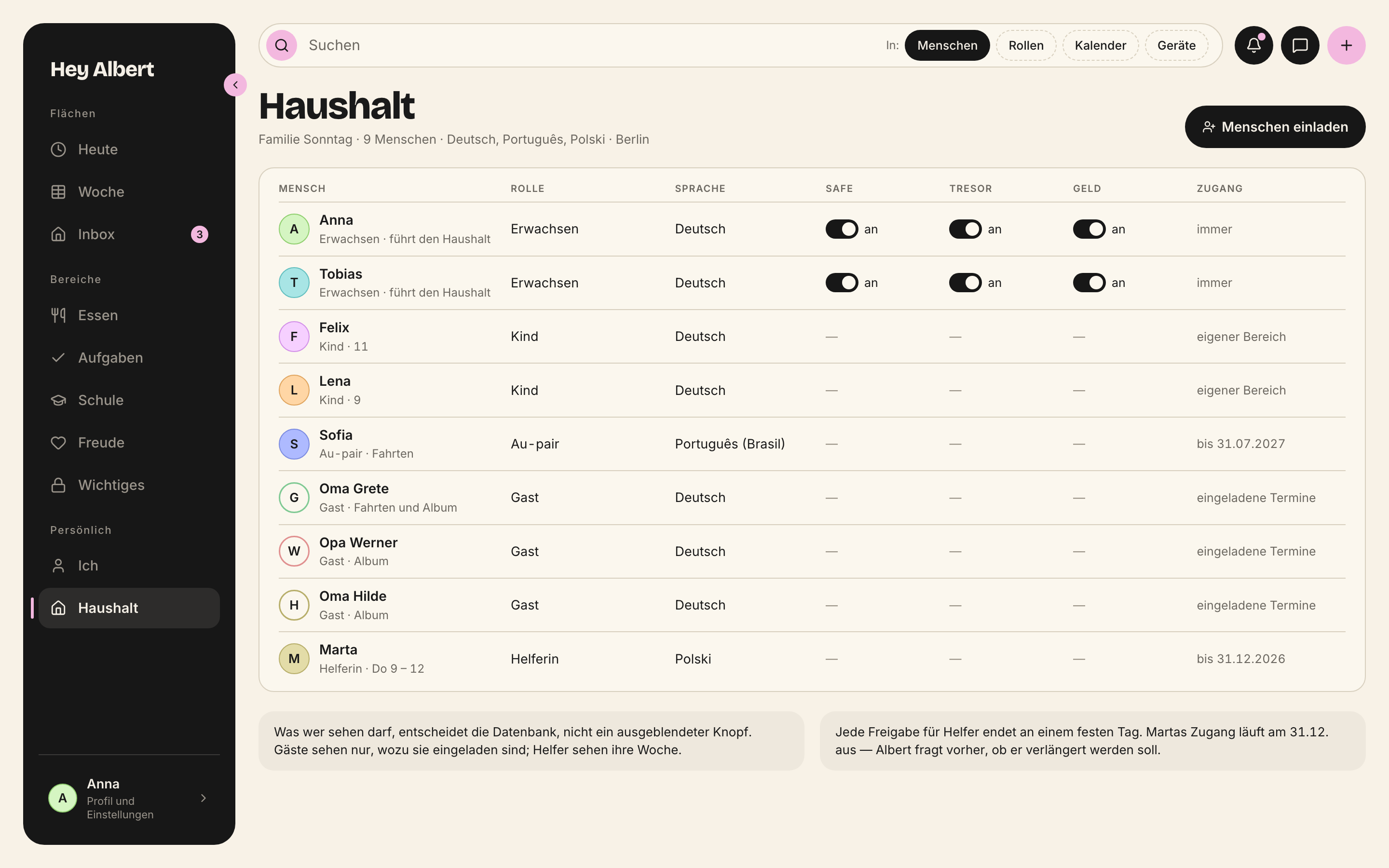
Hey Albert is not an app with permissions that greys out what someone may not do. From the same data model, every role gets its own entry point. What someone may see is decided by the database, never by a hidden button.
Role
Who
First page
owner, adult
Anna, Tobias
Mac: the whole week · iPhone: Today by urgency · iPad: portal
child · small (6–9)
Lena
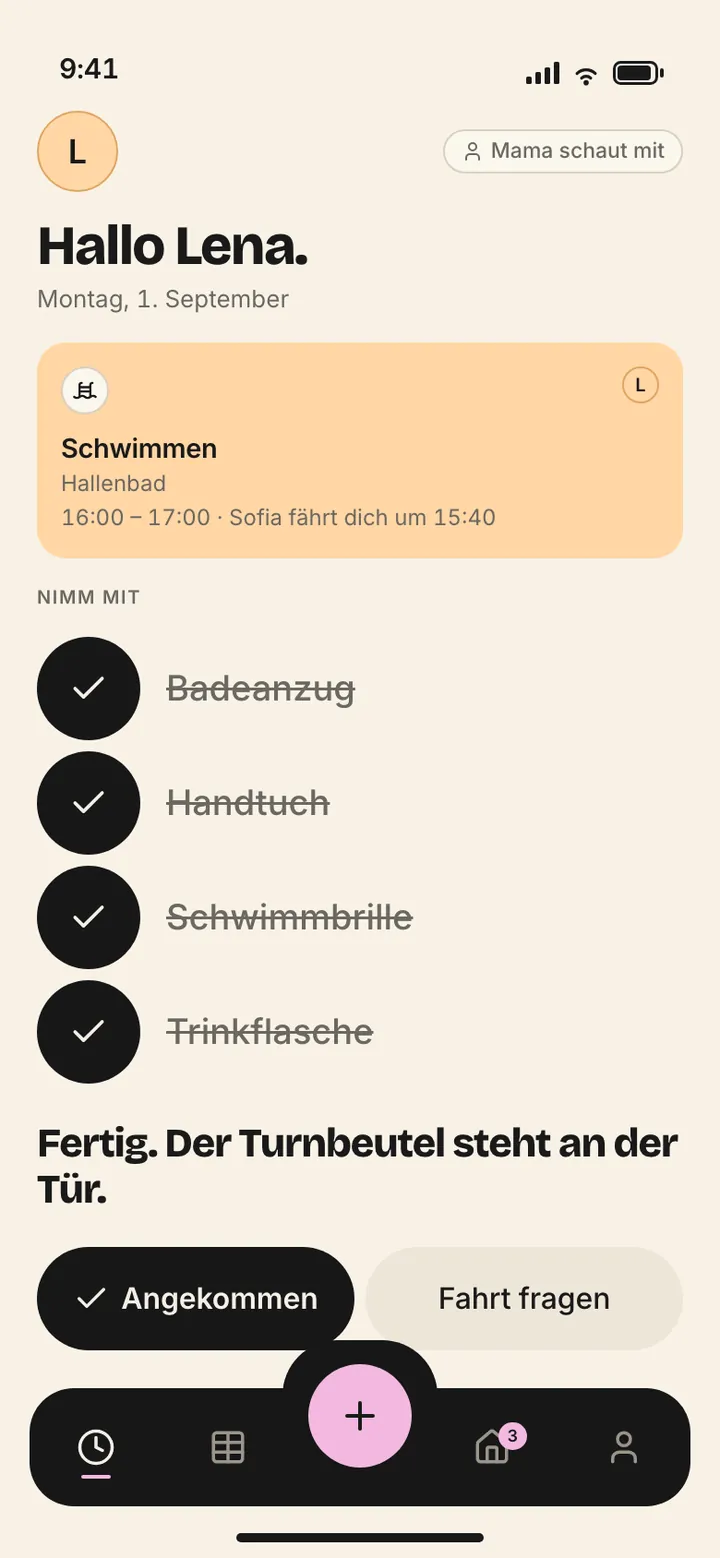
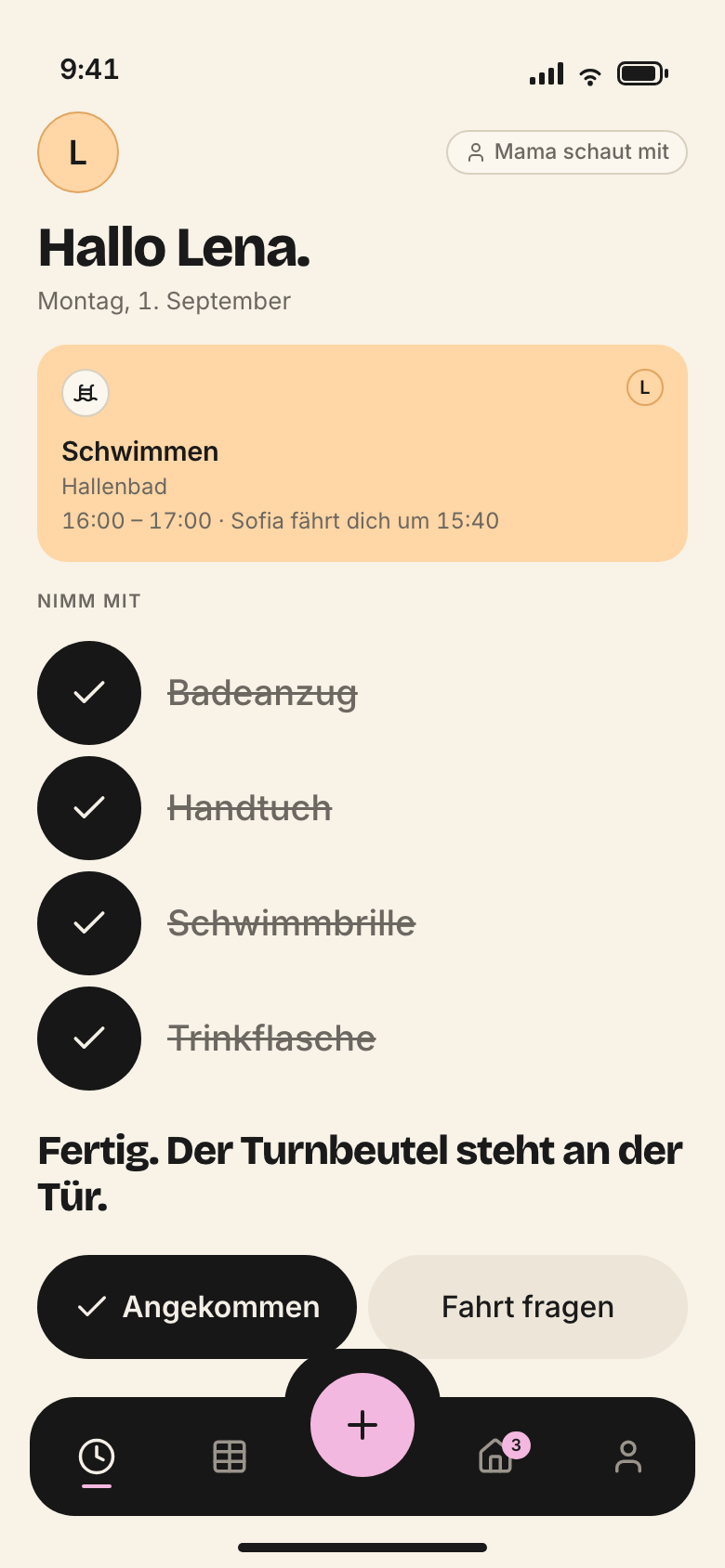
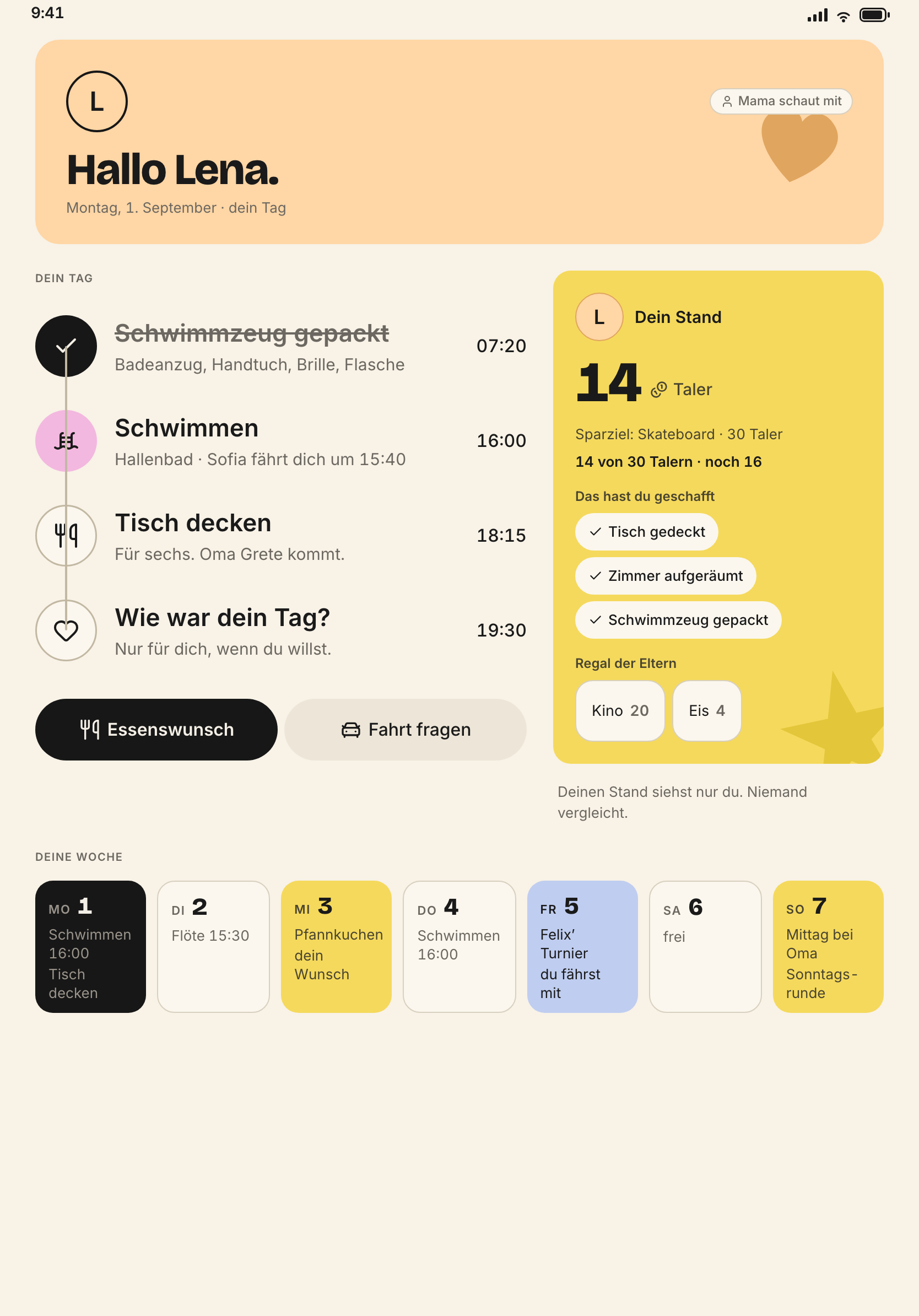
iPad: her space, three picture tiles, 56 pt targets · iPhone: only “what’s now”
child · mid (10–12)
Felix
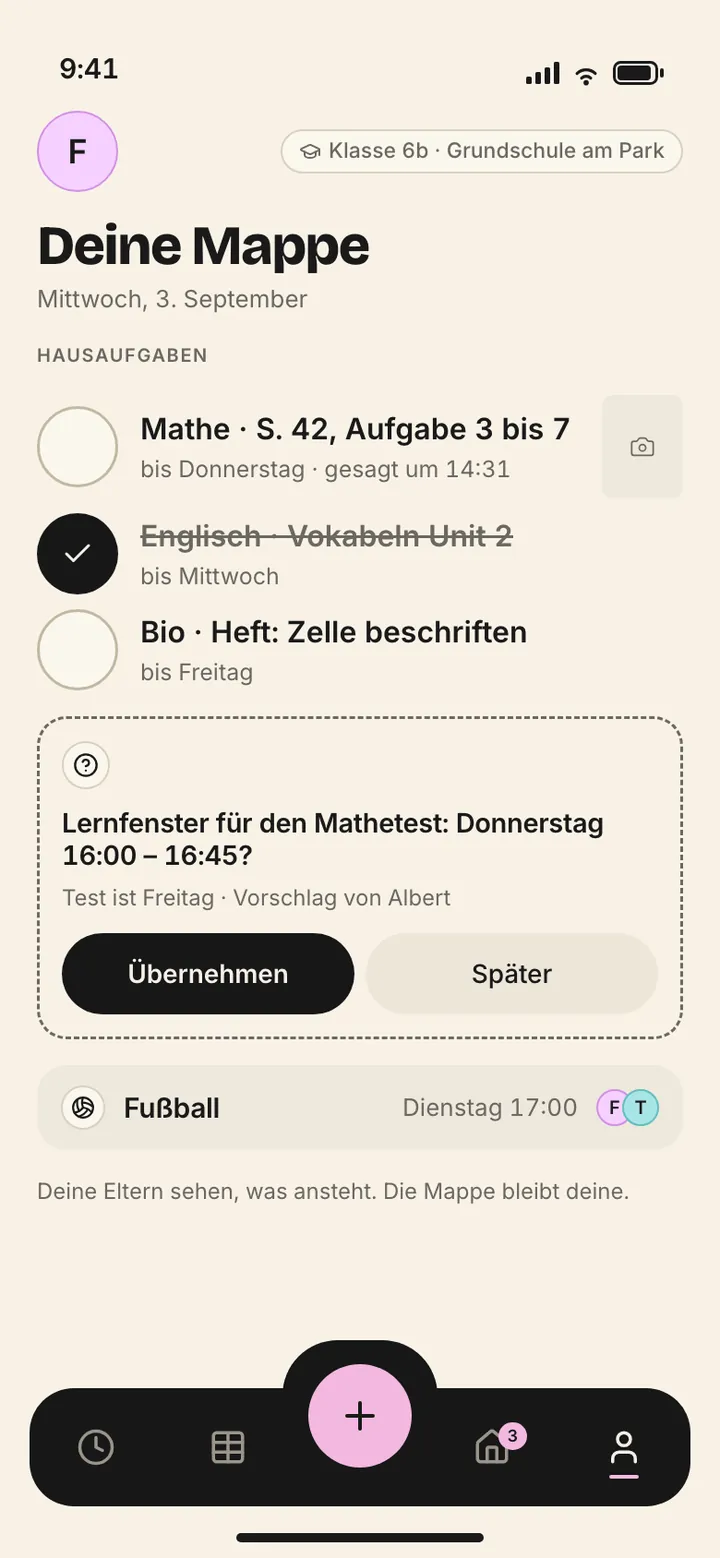
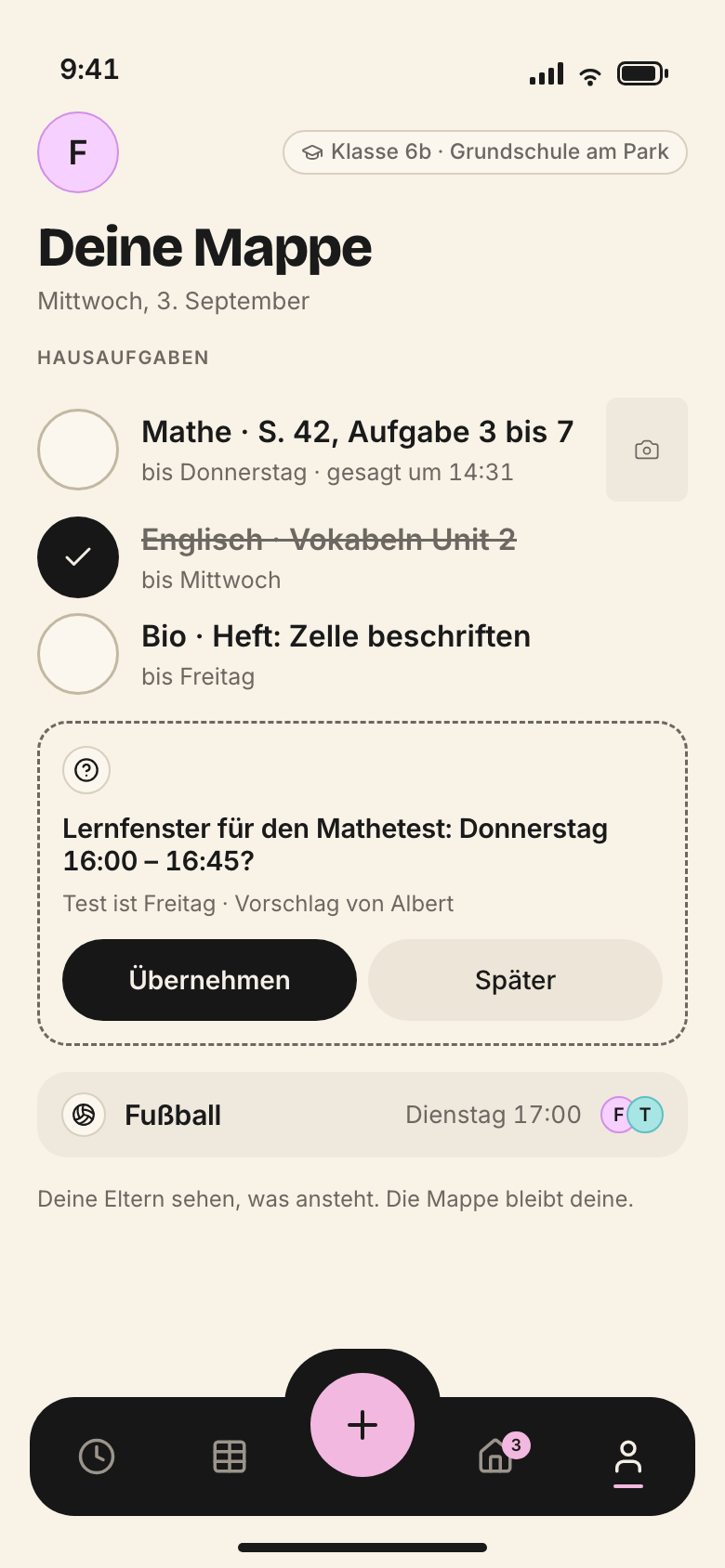
iPad: day path, two buttons · iPhone: school folder, take-along list, ask for a ride
child · teen (13+)
–
almost the adult view, without safe, vault and finances
guest
Oma Grete, Opa Werner, Oma Hilde
iPhone: three things – events they are invited to, album, “I’ll drive”
service
Sofia
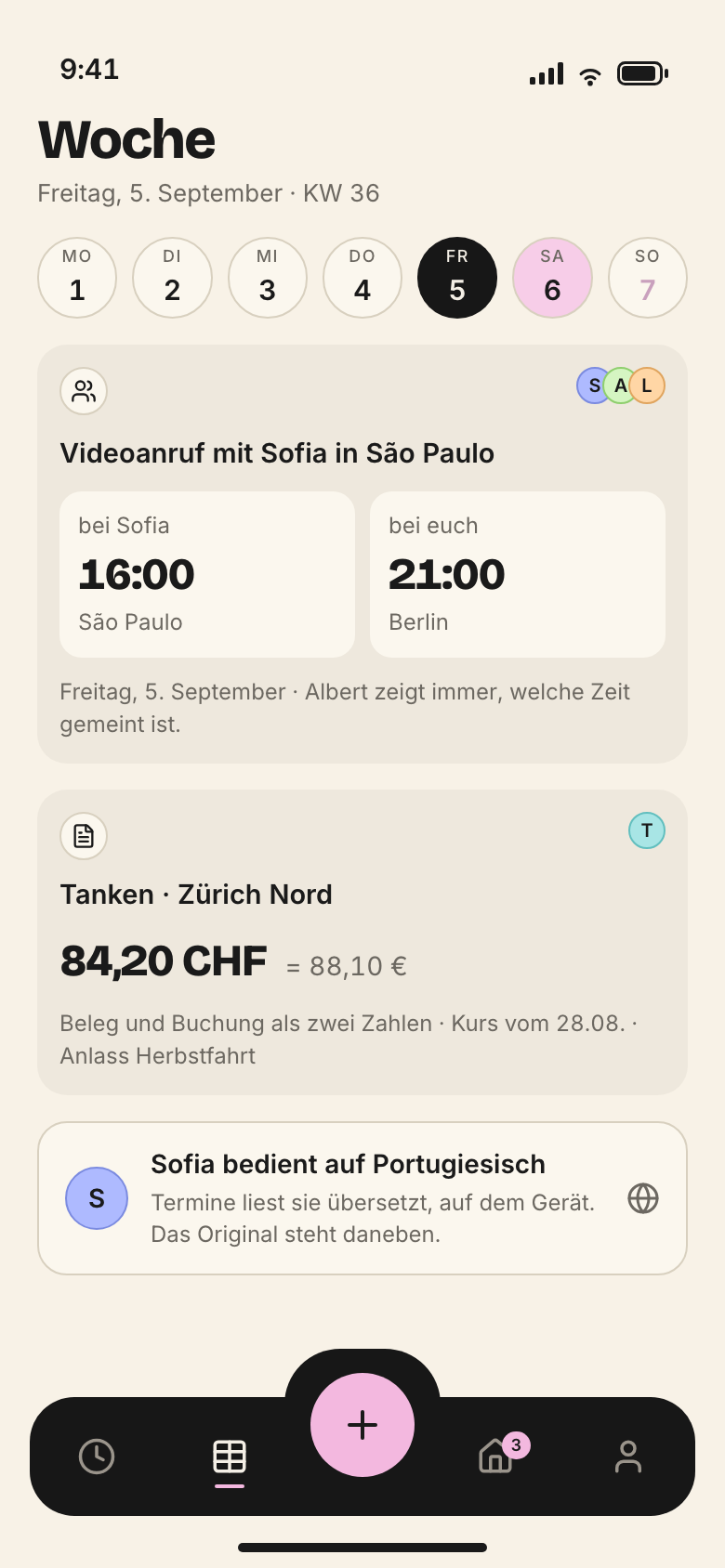
iPhone: her list – shifts, her drives, shopping; every grant with an expiry date
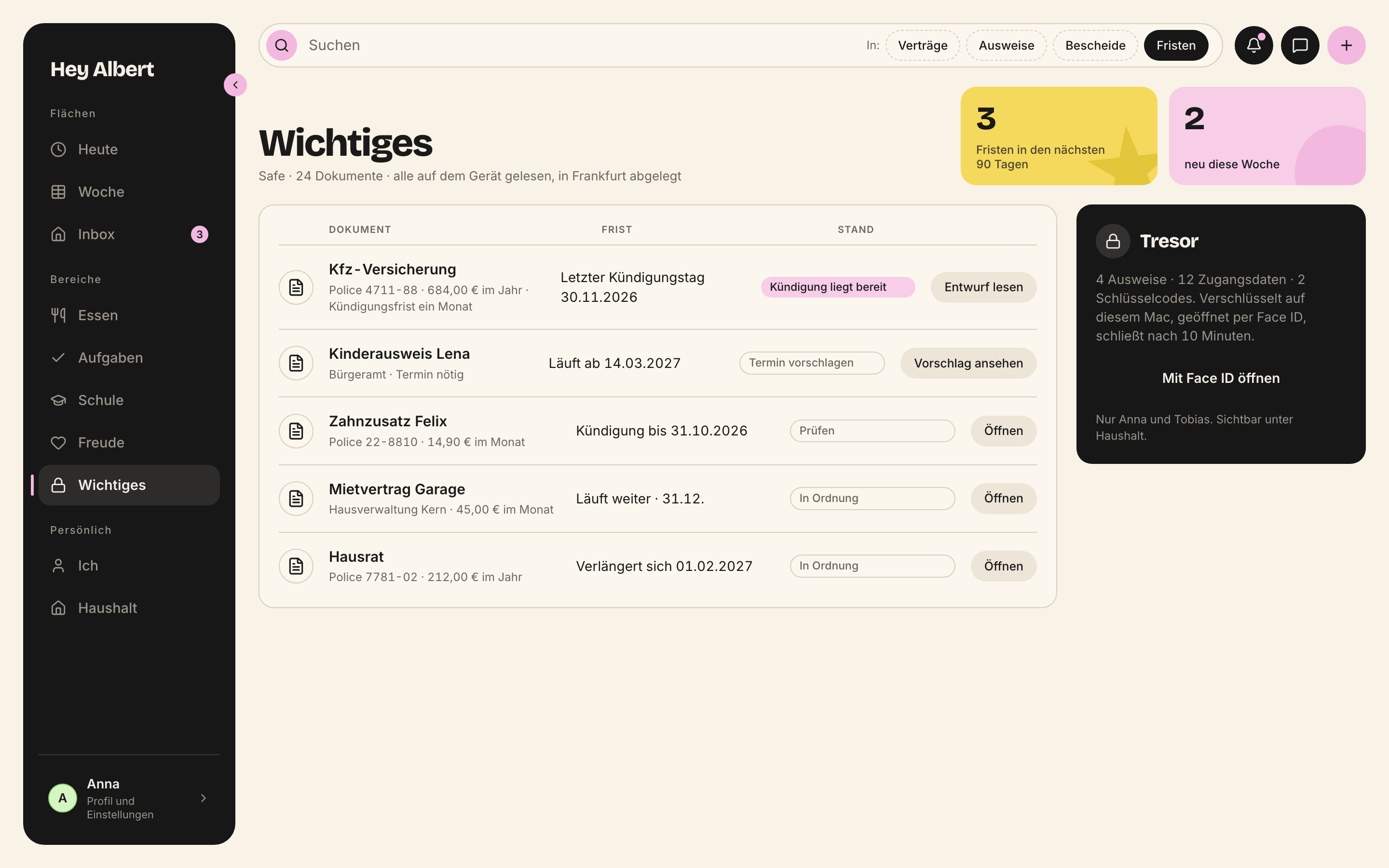
Safe, vault and finances only open via albert.may_enter(). Children never see them, not even greyed out.
The first page holds as much as this role can take in on this device in five seconds. For Oma Grete that is three things. For Lena four. For Anna at the Mac it may be the whole week; she has sat down. Whoever needs more goes one level deeper.
Three questions come before every screen:
Who is this page for? “For everyone” means for no one.
How many things are on it, and how many seconds does this role have?
Am I hiding things, or building a dedicated entry point? Greying out is always the worse answer.
Everything sits on the 8 pt grid with 4 pt as a half step. The surface margin is --flaeche-rand-mac on the Mac and --flaeche-rand-phone on the iPhone. Cards have --karte-innen inside and --karte-abstand between them.
--raum-halb4px
--raum-18px
--raum-216px
--raum-324px
--raum-432px
--raum-540px
--raum-648px
--raum-864px
--karte-innen12px
--karte-abstand8px
--flaeche-rand-mac32px
--flaeche-rand-phone20px
Everything sits on the 8 px grid, with 4 px as a half step.
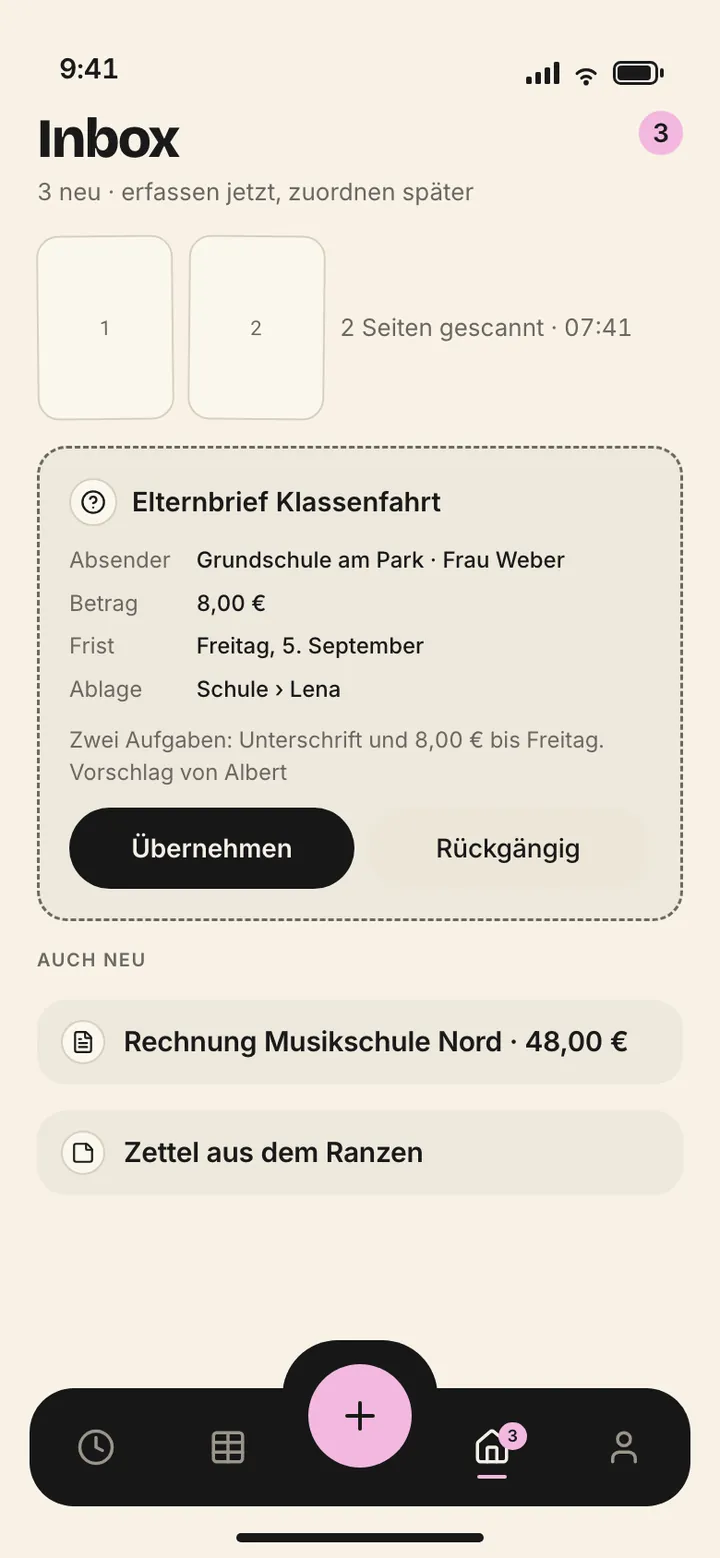
Safe areas belong to the system: status bar, Dynamic Island, home indicator. We draw nothing there and never imitate a status bar. Controls never sit below the iPhone bar.
Target sizes are minimums, not guidelines: pointer 28, finger 44, child 56.
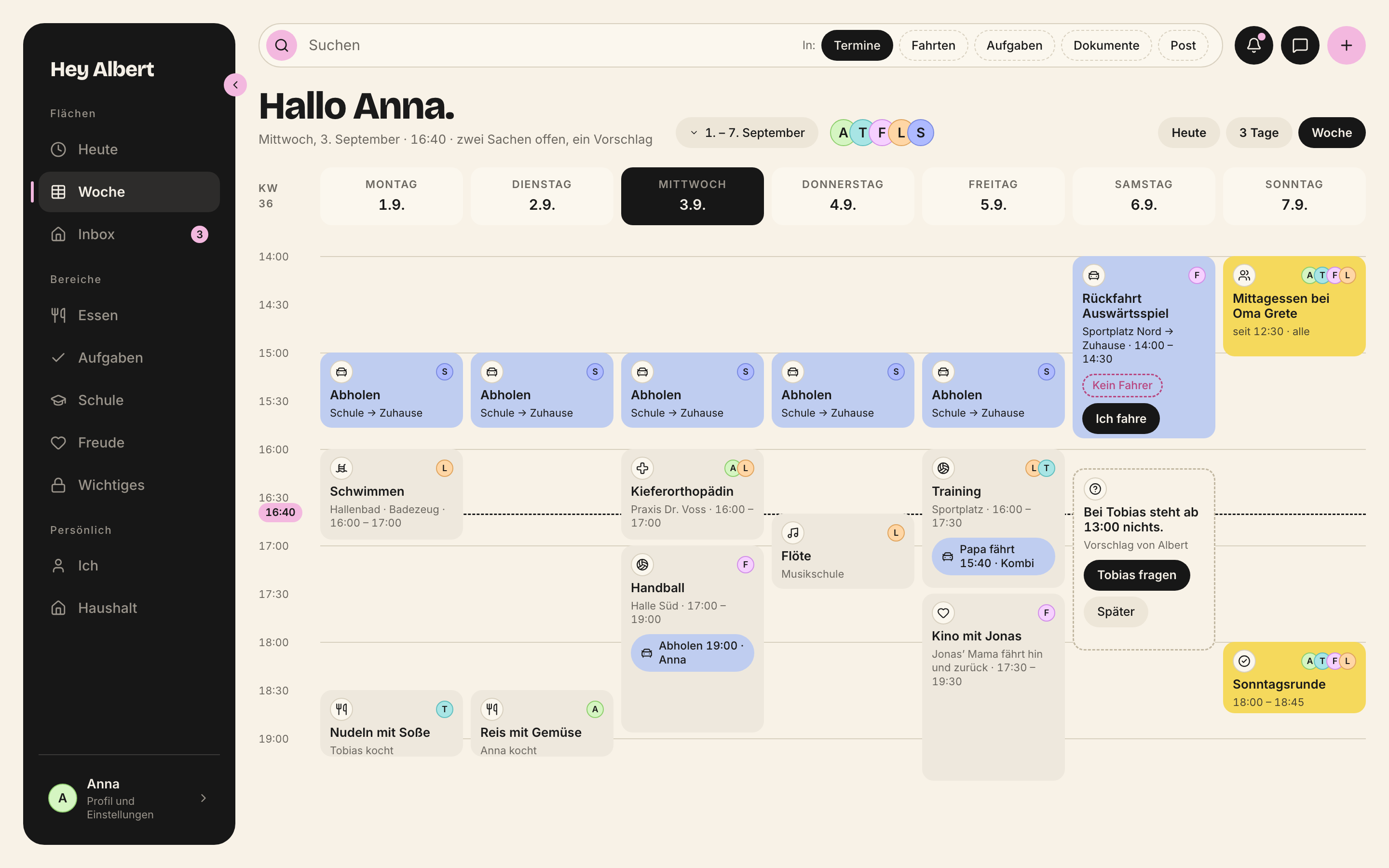
Every surface starts the same way. First the header, then the greeting, then the row with date and filters, then the content.
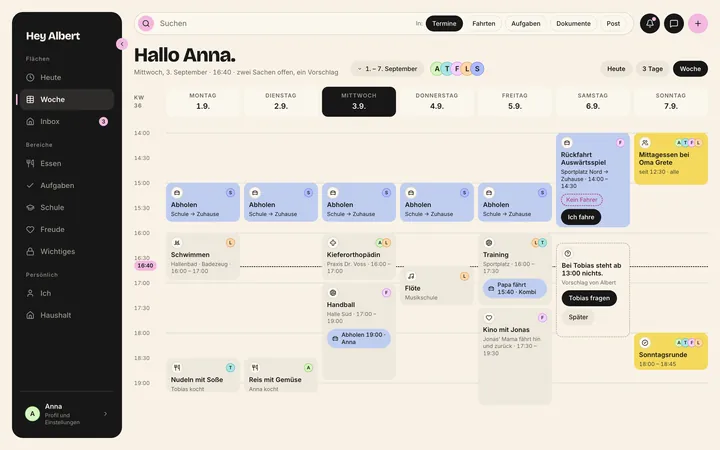
Header (Mac, iPad): search pill with pink magnifier, dashed area chips, three circles on the right in fixed order – bell, messages, pink plus. The iPhone has no header; the plus sits in the bar.
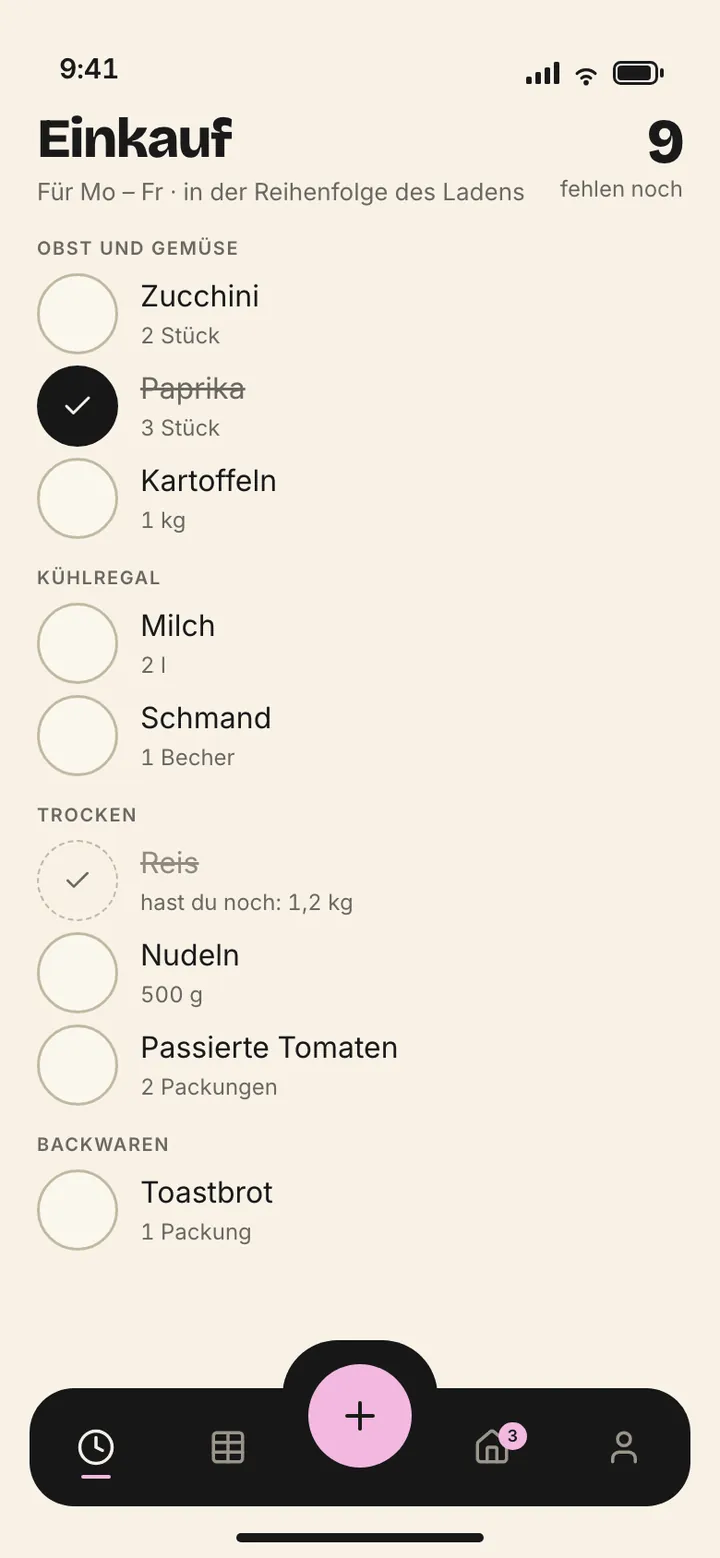
Greeting: “Guten Morgen, Anna.” in Bricolage 800. On Today it greets; on every other surface it names: “Woche 36”, “Aufgaben”, “Einkauf”. Below it a subline with the date and what counts: “zwei Sachen offen, ein Vorschlag” (two things open, one suggestion).
Die Reihenfolge der Kreise steht fest: Klingel, Nachrichten, Plus – Plus ist rosa und immer der letzte. Chips sind gestrichelt, weil sie Bereiche einschränken und nichts anlegen.
Types (.d.ts)
/**
 * Der Kopf jeder Flaeche: Suchfeld mit rosa Lupe, Bereichs-Chips, drei Kreise rechts.
 */
export interface KopfzeileProps {
  platzhalter?: string;
  /** Bereichs-Chips, gestrichelt: "Termine", "Fahrten", "Aufgaben", "Dokumente", { name: "Post", zaehler: 2 }. */
  bereiche?: Array<string | { name: string; zaehler?: number }>;
  gewaehlterBereich?: string;
  onBereich?: (name: string) => void;
  onSuche?: (e: React.ChangeEvent<HTMLInputElement>) => void;
  /** Rosa Punkt an der Klingel, wenn etwas Neues da ist. */
  klingelPunkt?: boolean;
  onKlingel?: () => void;
  onNachrichten?: () => void;
  /** Oeffnet das Schnellmenue "Schnell anlegen". */
  onPlus?: () => void;
  style?: React.CSSProperties;
}
export function Kopfzeile(props: KopfzeileProps): JSX.Element;
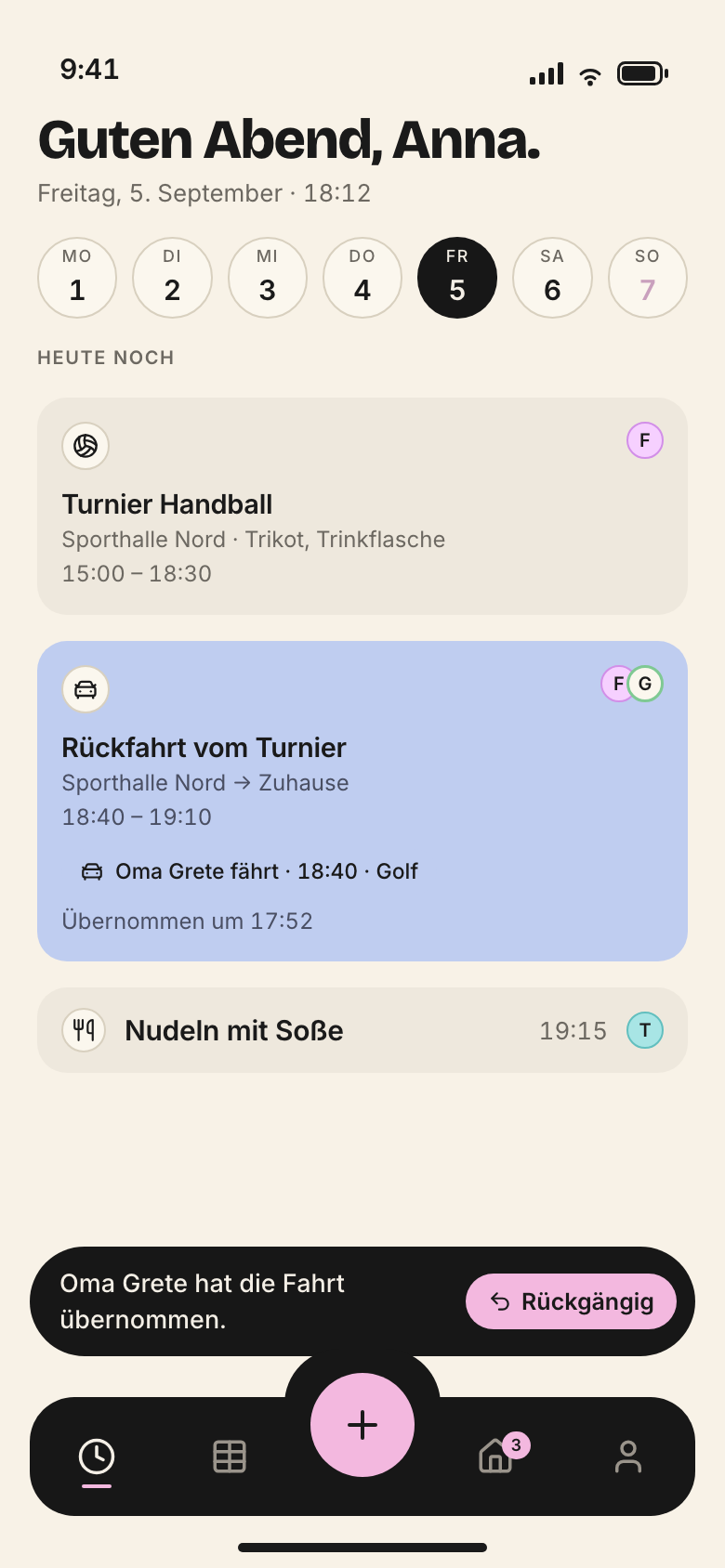
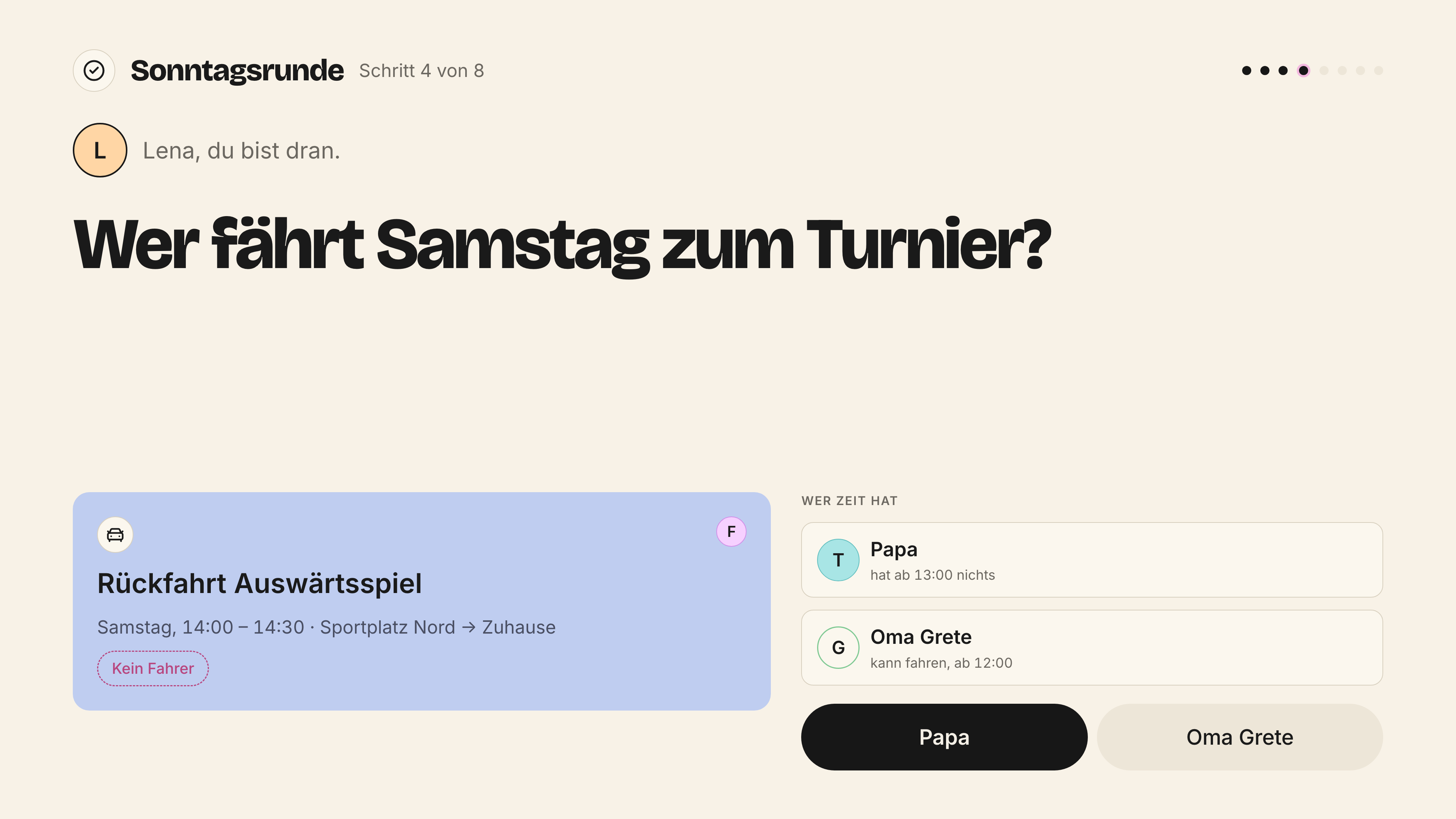
Die Karte – das Ding, aus dem Heute, Woche und Kalender bestehen. Ein Datenmodell, viele Ansichten.
<Karte art="fahrt" titel="Rückfahrt Auswärtsspiel" ort="Sportplatz Nord → Zuhause"
  zeit="14:00 – 14:30" leute={["felix"]} hoehe="hoch"
  pillen={<ZustandsPille>Kein Fahrer</ZustandsPille>}
  knoepfe={<Knopf>Ich fahre</Knopf>} />

<Karte art="vorschlag" titel="Bei Tobias steht ab 13:00 nichts. Fragen?"
  unterzeile="Vorschlag von Albert"
  knoepfe={<KarteVorschlagKnoepfe onUebernehmen={…} onZurueck={…} />} />
Register Family Manager, kurz und ruhig. Die Bedeutungen werden nicht getauscht: blau ist Fahrt, gelb ist Familie, gestrichelt rosa heisst "ohne Zuständigen". Ein Vorschlag hat immer zwei Knöpfe – Albert erledigt nie still.
Types (.d.ts)
/**
 * Die Karte in fuenf Arten. Die Farbe sagt die Art, das Symbol die Sache, die Punkte die Leute.
 */
export interface KarteProps {
  /** "termin" beige | "fahrt" blau | "familie" gelb | "vorschlag" gestrichelt grau | "offen" gestrichelt rosa. */
  art?: "termin" | "fahrt" | "familie" | "vorschlag" | "offen";
  /** Kartentitel, ein Gegenstand: "Rückfahrt Auswärtsspiel". */
  titel: string;
  /** Zweitzeile: Ort oder Bündel-Teile, mit " · " getrennt. */
  ort?: React.ReactNode;
  /** Zeitspanne als "16:00 – 17:00" (Halbgeviertstrich mit Leerzeichen). */
  zeit?: string;
  /** Wer dabei ist; der Zustaendige zuerst. */
  leute?: string[];
  /** Sach-Symbol, wenn es nicht aus der Art folgt: "schule", "sport", "arzt", "musik". */
  symbol?: string;
  /** "kurz" (78 px) oder "hoch" (132 px) - fuer das Stundenraster. */
  hoehe?: "kurz" | "hoch";
  /** Zustands- und Fahrt-Pillen. */
  pillen?: React.ReactNode;
  /** Handlungsknoepfe; bei Vorschlaegen immer zwei. */
  knoepfe?: React.ReactNode;
  /** Kleine Zeile unter dem Inhalt, z. B. "Vorschlag von Albert". */
  unterzeile?: React.ReactNode;
  /** Einzeiler fuer Listen: Symbol, Titel, Zeit, Punkt. */
  kompakt?: boolean;
  klickbar?: boolean;
  /** Leicht gekippt, wie ein liegender Klebezettel. */
  gekippt?: boolean;
  children?: React.ReactNode;
  style?: React.CSSProperties;
}
export function Karte(props: KarteProps): JSX.Element;
export function KarteVorschlagKnoepfe(props: { uebernehmen?: string; zurueck?: string; onUebernehmen?: () => void; onZurueck?: () => void }): JSX.Element;
No screen is finished without its states: empty, loading, error, offline, undo. They are in the chapter States. A view is only finished with all of this:
“Full” means it belongs here. “Reduced”: present, deliberately leaner. “Read”: view, not edit. From docs/11-produkt.md §10, cut down to the places of the app.